
Free AI Text to Video Generator
Start with the moment you can already see. Motiofy turns your words into a first cut in the browser. No camera. No editing software.



How to Make Text to Video From a Prompt
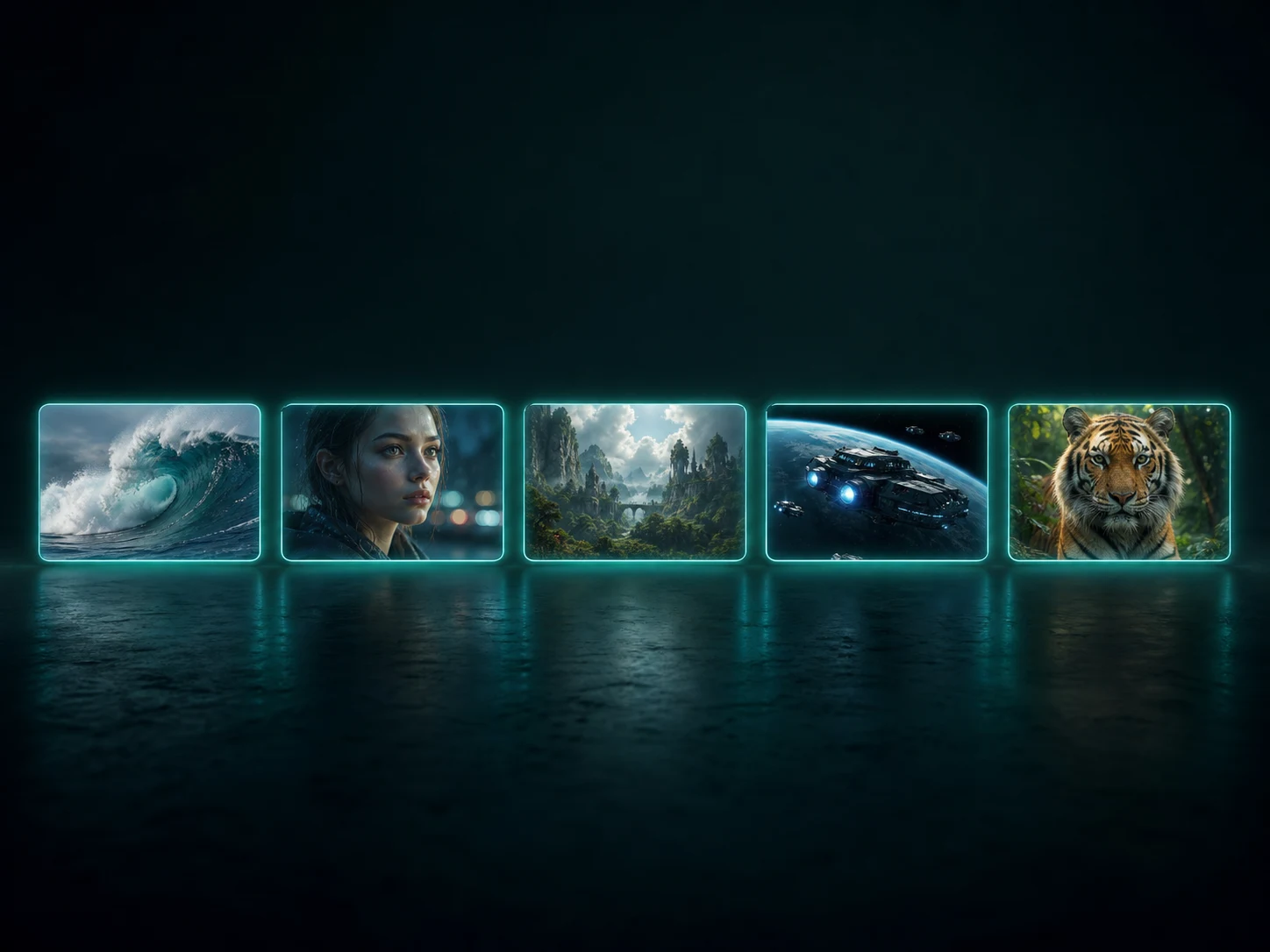
Text to video starts with words, but not just a subject. Give the model a moment to stage, a movement to follow, and a clear place to end.
Step 1
Write your text to video prompt
Who or what is on screen? Where are they? What changes before the shot ends? Get those three things down first. Plain language is fine.

Step 2
Choose a text to video model
Seedance, HappyHorse, and Kling handle motion and camera direction differently. Find the take closest to the shot you imagined, then settle on the length and frame.
Step 3
Watch the first take. Fix the second.
If the subject drifts, make the subject clearer. If the camera gets busy, simplify the move. A precise change usually helps more than another line of adjectives.
Better Text to Video Starts With the First Sentence
A useful prompt does more than name a subject. It gives the model a shot, a rhythm, and a finish worth keeping.
Build product stories, not product slides
Start on texture, pull back for the reveal, then show the product in use. One prompt can hold that sequence together, so the result feels like a short ad instead of a stack of unrelated beauty shots.
Create smoother text to video transformations
A transformation reads when the viewer can see where it began, what changed, and where it settled. Describe those beats in order to keep a material change from turning into a shapeless morph.
Keep characters consistent across text to video scenes
Move the same subject through rain, fire, water, or a new world while keeping the face, clothes, direction, and pace steady. Those anchors give the model less room to replace the character between scenes.
Turn one strong frame into a text to video sequence
Begin with the frame you already trust, use motion to carry it into a second stable image, then explore new looks from there. You keep the composition you liked instead of rebuilding the whole sequence every time.
Text to Video, Answered
Credits, accounts, models, and usage rights — the short version.
It depends on the model and settings you pick — length, resolution, and sound all move the number. One engine is included in the free plan, so your first clips can cost nothing. The Generate button always shows the exact credits for your settings before anything runs, and a failed run refunds automatically.
You can write a prompt and explore every setting without one. Generating asks for a free account — sign in and your draft comes back exactly as you left it. From then on, your clips appear right under the generator as they finish, ready to download.
Start with the free engine to learn what your prompt does. Move to Seedance 2 when the shot matters — it handles commercial pacing and cinematic camera language best. Seedance 2 Fast and Mini trade a little polish for speed and price while you are still iterating.
Yes — videos you generate on Motiofy's paid plans can be used in commercial projects, including ads and client work, under the Motiofy terms of service. Clear third-party rights for real brands, people, or music in your prompt. If a run fails, its credits return automatically, so you only pay for clips you actually get.
Name the subject, the setting, the camera move, and the light — concrete beats beat adjectives. 'A 10-second tracking shot following a barista pouring latte art in a sunlit café' gives the model something to shoot. If the first take misses, change one beat at a time so you can see what actually improves the result.