
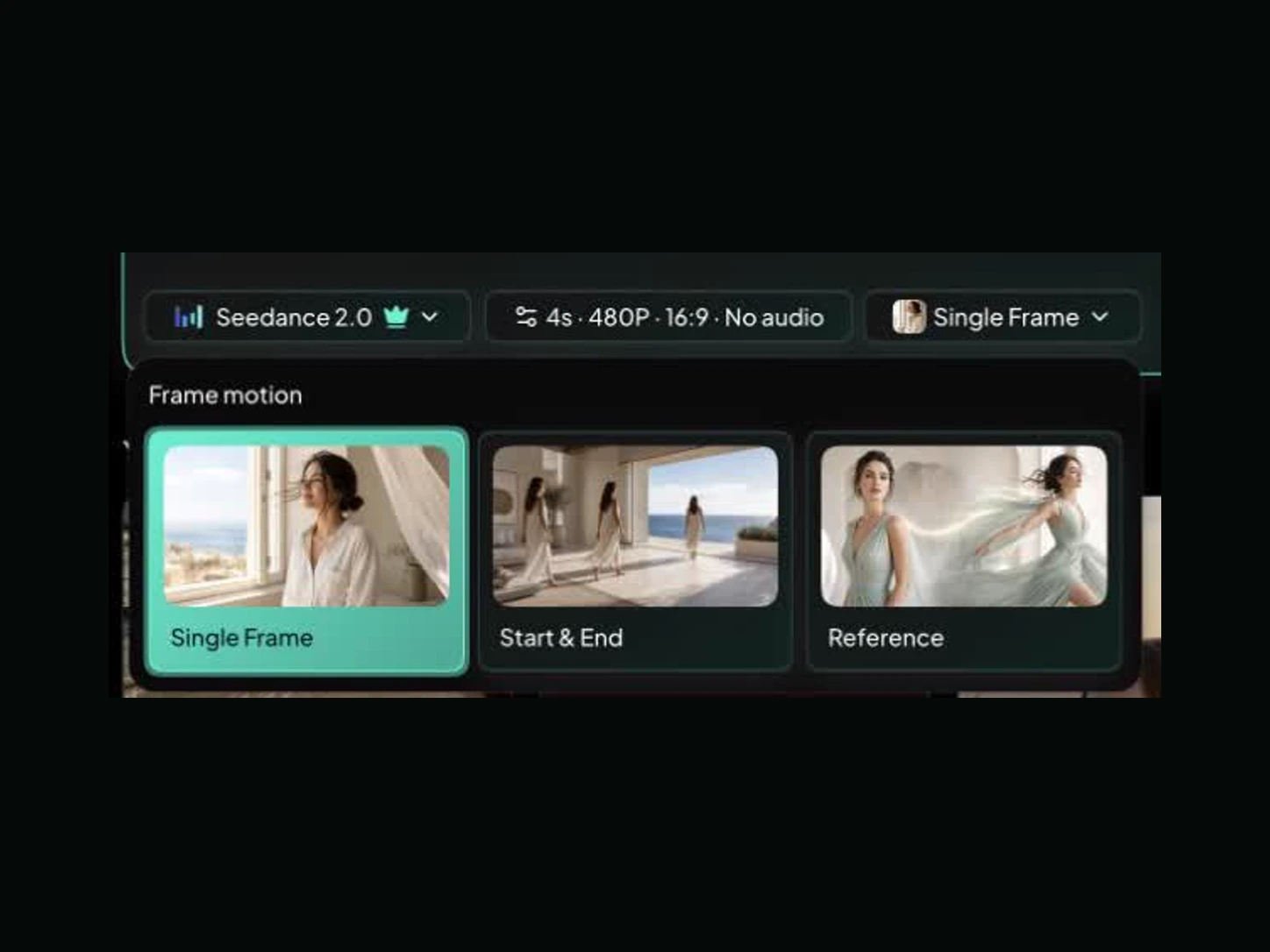
Step 1
Start with text, an image, or reference frames
Describe a new scene from scratch, upload one image to protect the subject or composition, or provide first and last frames when the Seedance 2.0 shot must land on a specific ending.
Create cinematic ads, fluid one-takes, and consistent characters from a prompt, photo, or reference frame. Direct the shot with Seedance 2.0 and generate on Motiofy.
Watch 8 real Seedance 2.0 outputs before you generate. Pick a result you like, send its production setup to the AI video generator, and make the subject, motion, and style your own.
Seedance 2.0 turns clear direction into controllable motion. Choose a starting point, describe the shot, then refine the strongest take.
Describe a new scene from scratch, upload one image to protect the subject or composition, or provide first and last frames when the Seedance 2.0 shot must land on a specific ending.
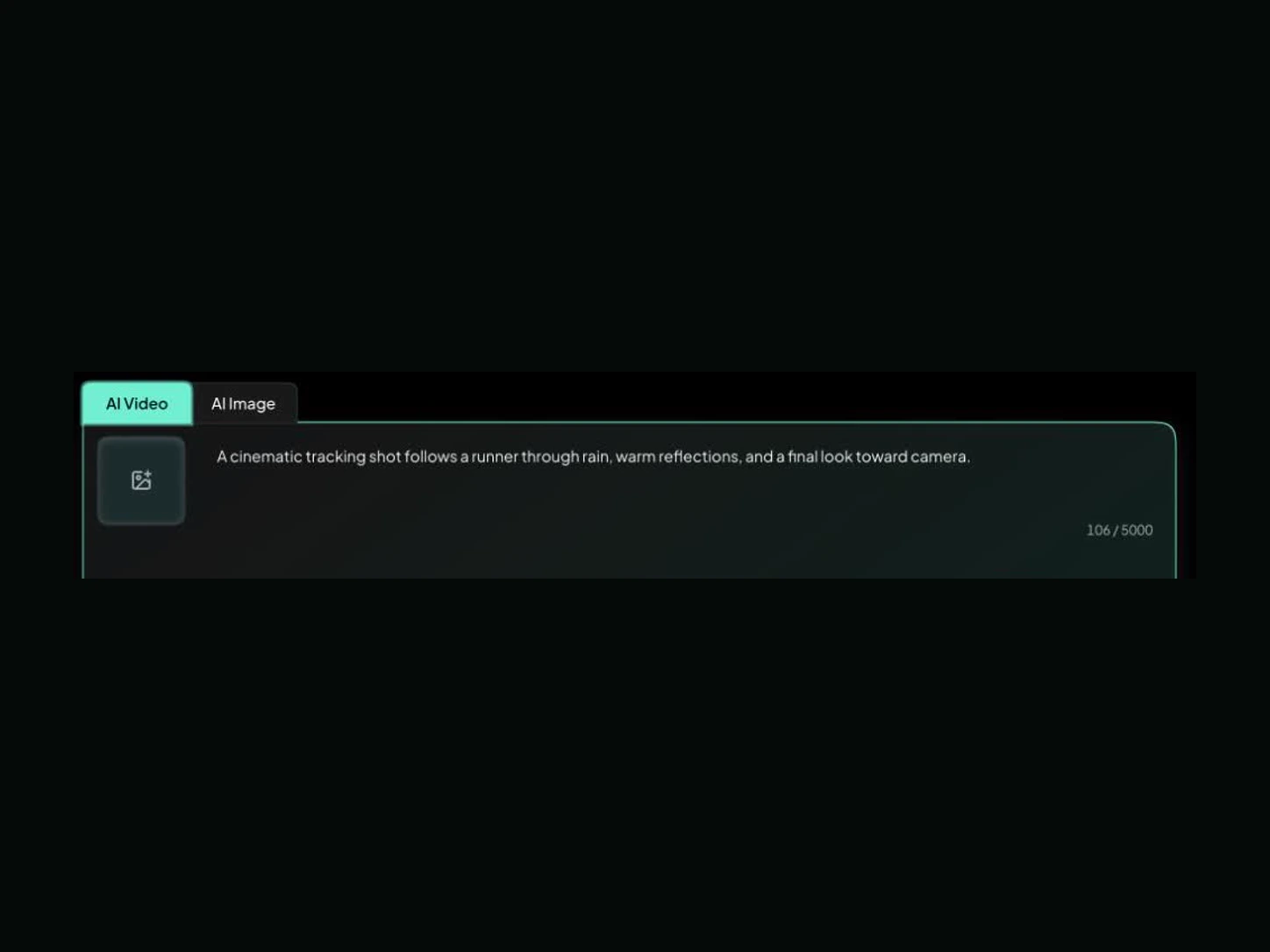
Name the subject, the action, the camera move, and the final beat. For multi-shot work, add a short timing map so Seedance 2.0 knows what changes and when.
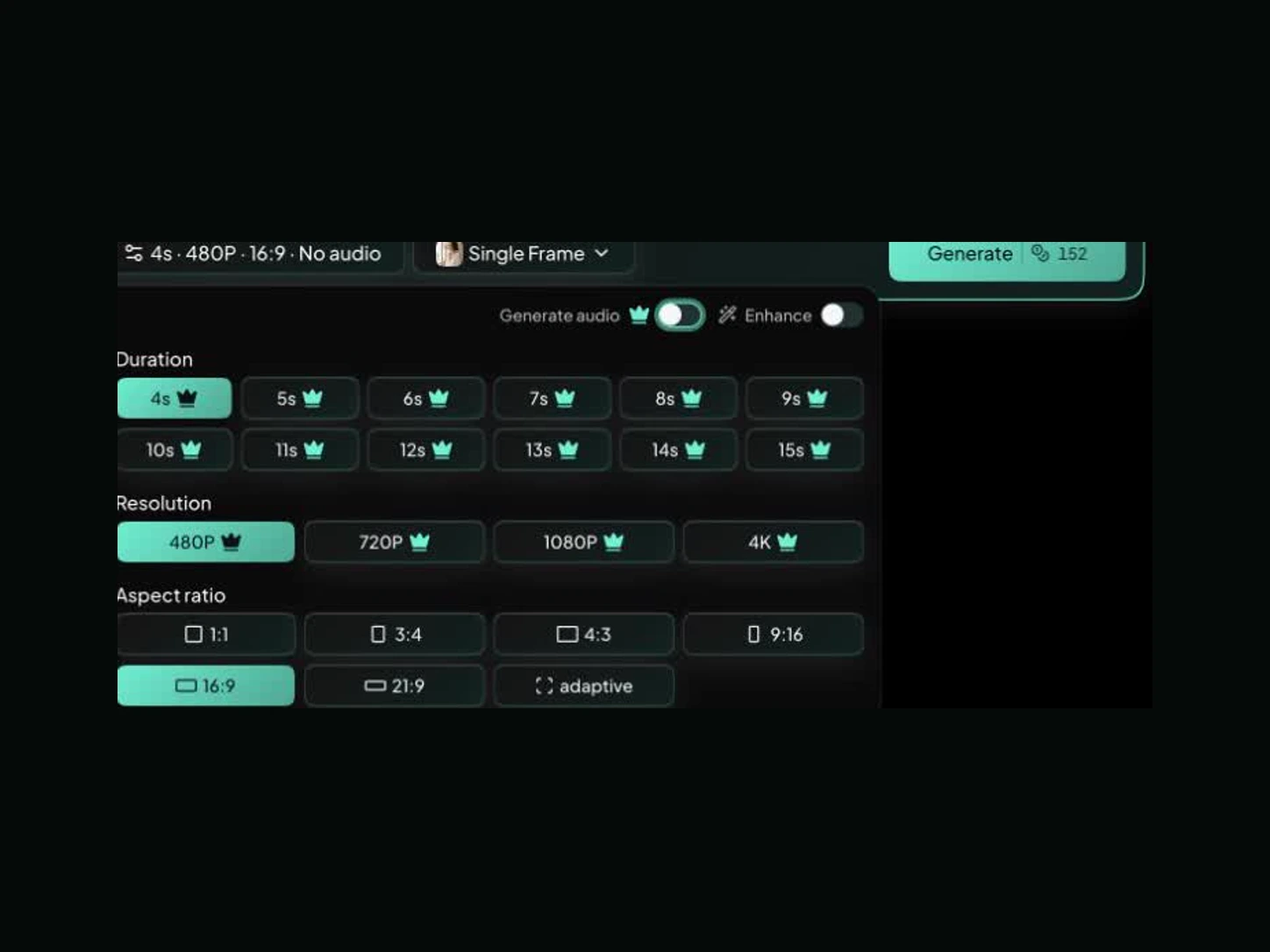
Choose the duration, frame, resolution, and audio setting, then generate. Keep the strongest motion and change one weak instruction at a time instead of restarting the whole idea.
Use Seedance 2.0 when timing, camera movement, and visual continuity matter. These three workflows show where detailed direction produces a stronger first take.
Map the clip in beats: opening hook, product reveal, use moment, and closing frame. Seedance 2.0 can carry timing, camera direction, and transitions through a short commercial, so one generation feels planned rather than like unrelated beauty shots. When exact product shape matters, use a clean reference image and keep the details you ask it to preserve deliberately small.
Give the camera one readable path and the subject one continuous action. Forward tracking, walk-and-talk movement, weather, reflections, and a clear final look work well because every beat belongs to the same journey. Describe where the camera starts, what it passes, and where it settles instead of stacking cinematic adjectives.
Use an image or reference input to anchor the face, outfit, product silhouette, or composition while the scene moves. The fewer identity locks you ask Seedance 2.0 to preserve, the more attention it can spend on natural motion. Review hands, small labels, unseen angles, and long takes before treating the result as final.
Get practical answers about pricing, modes, commercial use, prompt writing, and when another video model may fit the shot better.
Start with a prompt, photo, or reference frame. Direct the camera, action, and ending, then generate the take on Motiofy.