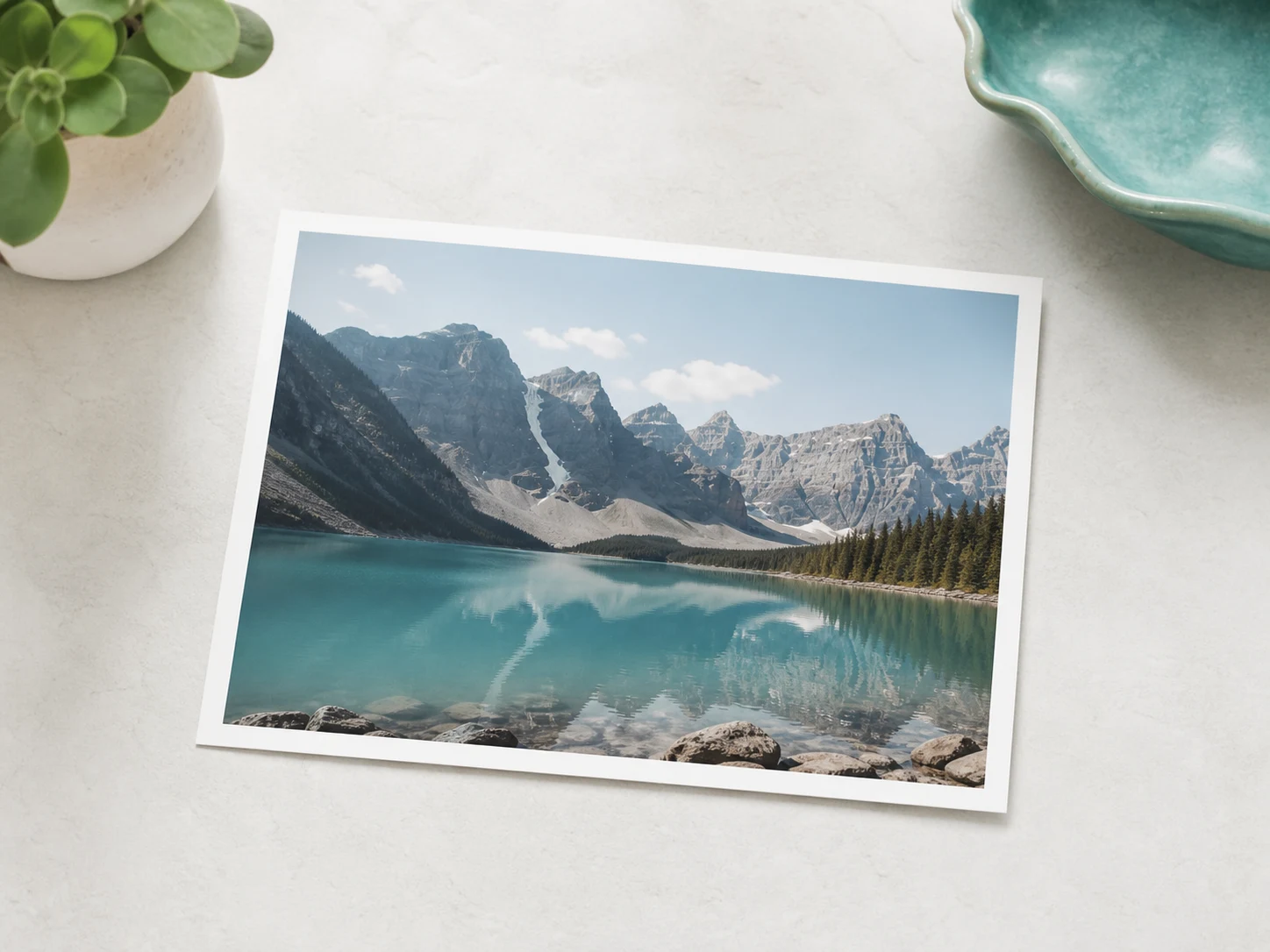
Step 1
Upload your image
Start with any photo, product shot, or artwork you own. One image is all it takes. No footage, no camera, no editing timeline.
Any image, in your browser. Call your shot, and watch it unfold. Free to try with 20 Credits.
Explore image to video examples for product ads, portraits, artwork, and social content. Each pairs an original photo with a motion prompt and a result preview.
Turn a product photo into a scroll-stopping ad with image to video. No studio, no reshoot.
Original image
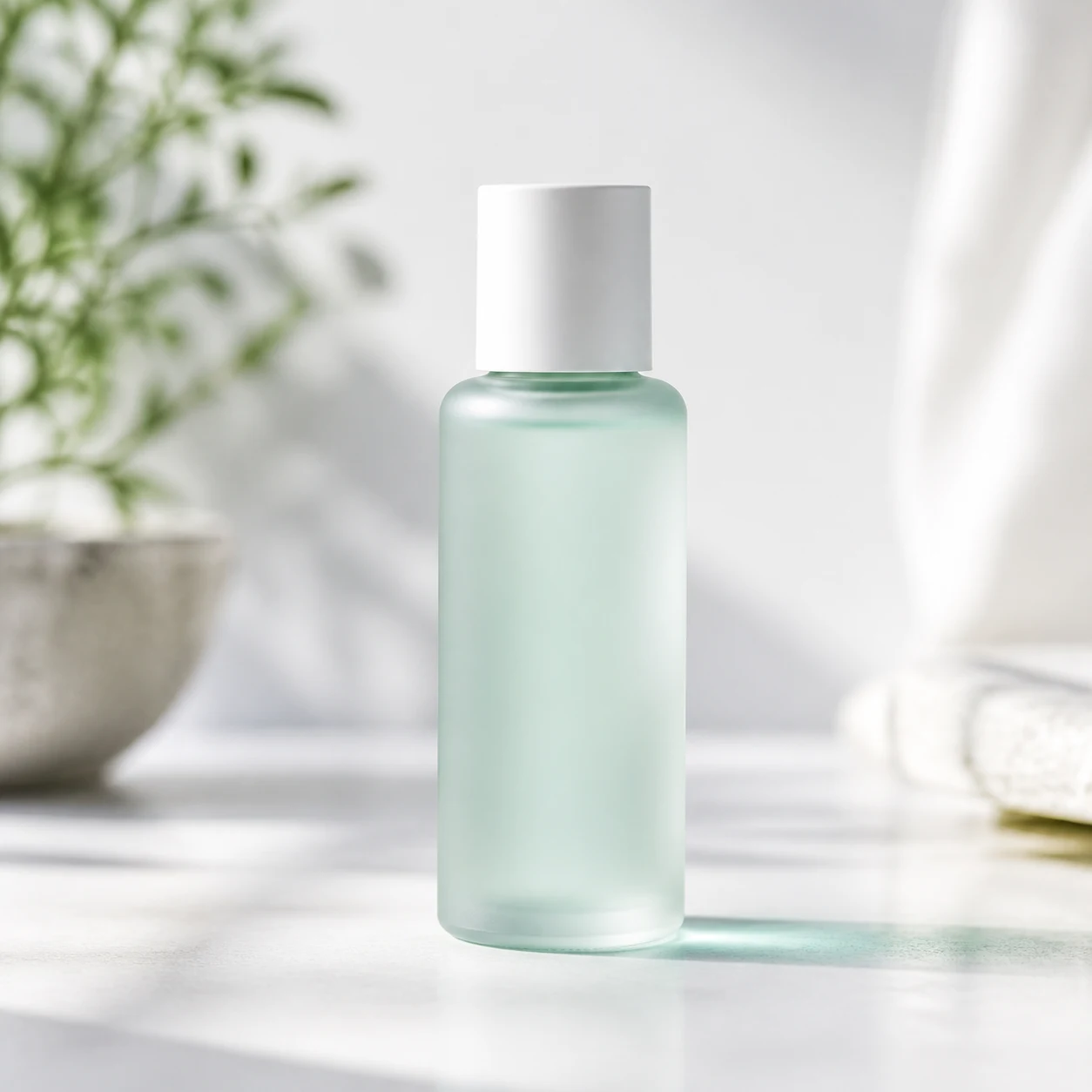
Result preview
Don't have an image yet? Start with our free AI text to video generator and turn a written prompt into a video clip. For cinematic ads, controlled camera moves, and consistent characters, explore the Seedance 2.0 video generator.
Three steps take you from a still photo to your first image to video clip.
Start with any photo, product shot, or artwork you own. One image is all it takes. No footage, no camera, no editing timeline.
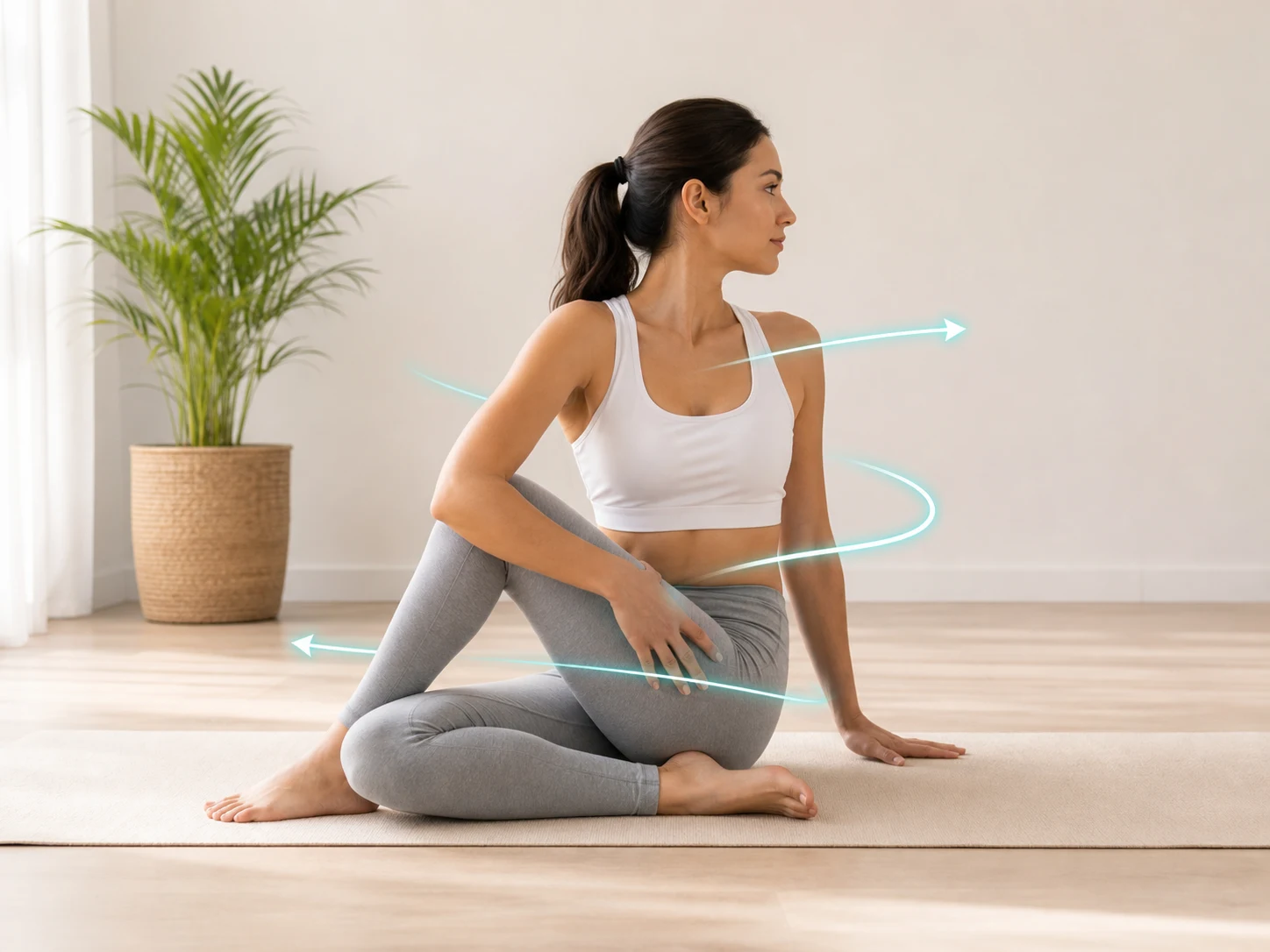
Tell Motiofy how the scene should move: a slow push-in, hair in the wind, drifting clouds. Plain English is enough. There are no prompt tricks to learn.
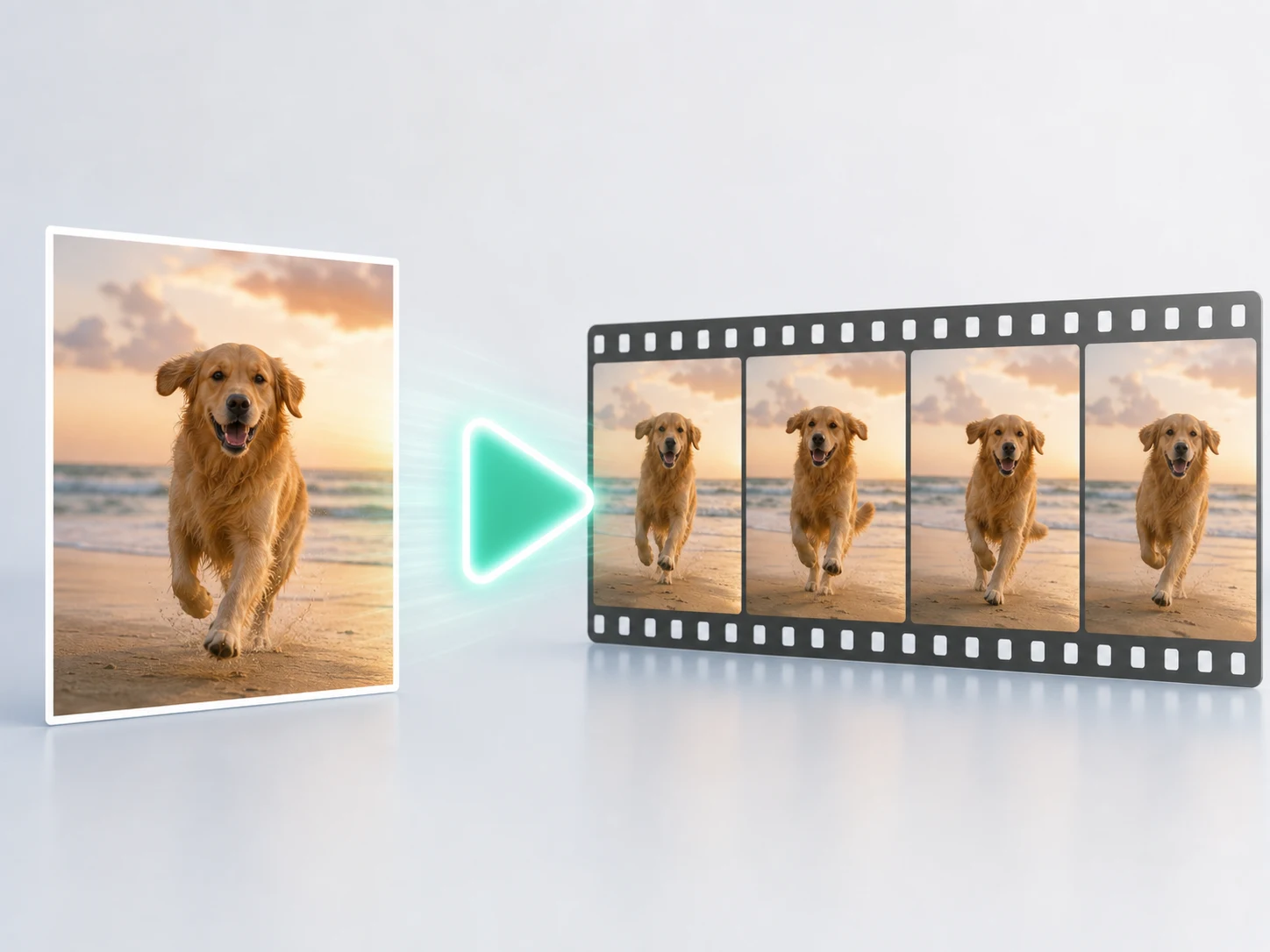
Pick the AI video model that fits your idea, check the credit estimate up front, and generate. Your finished clip lands in My Creations.
Motiofy gives you real control over motion, framing, and direction, so the result looks like your brand.
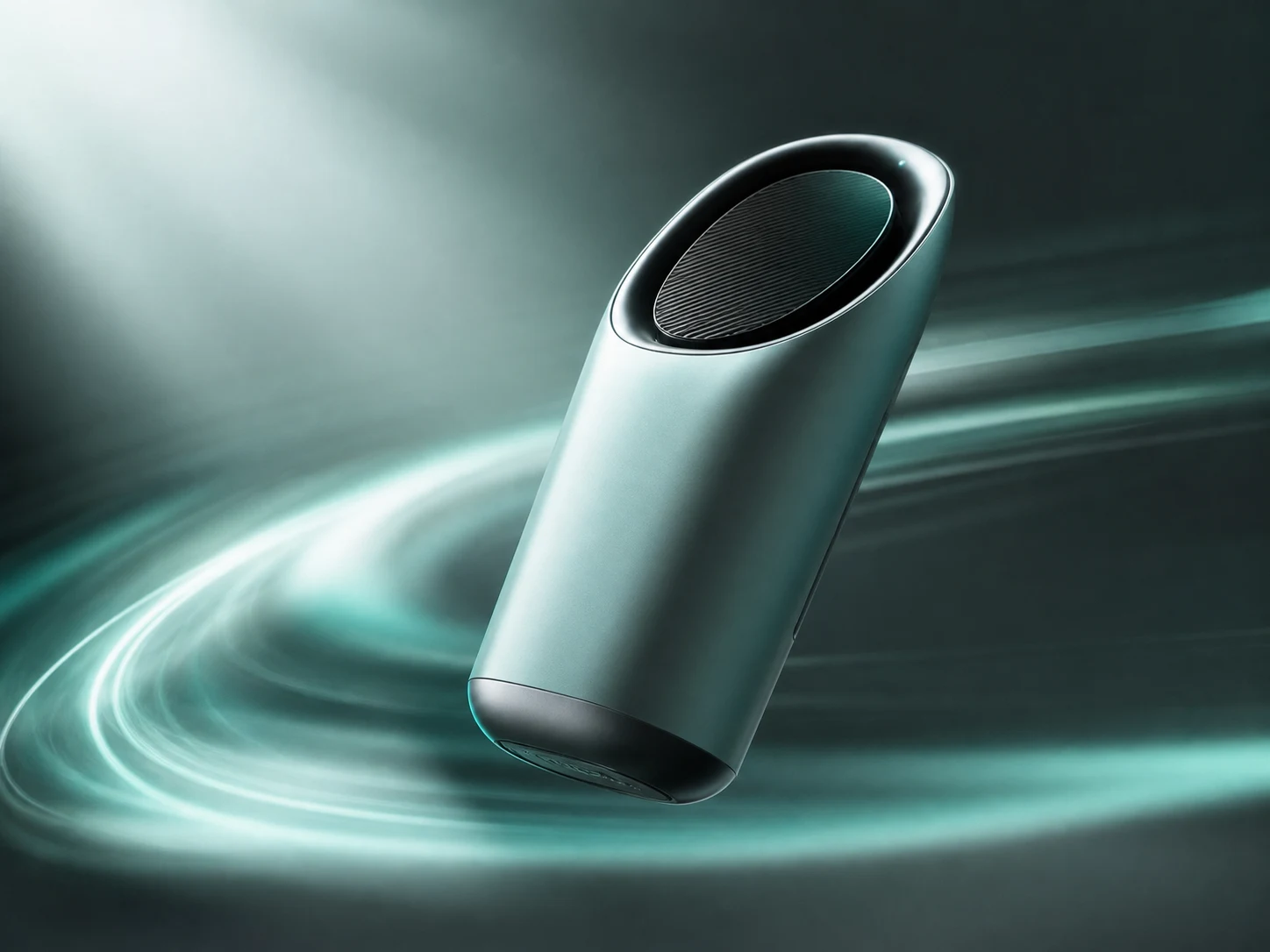
Image to video adds subject movement, camera motion, and depth to any still image. What once needed an editing timeline and stock footage now takes one photo and one sentence.
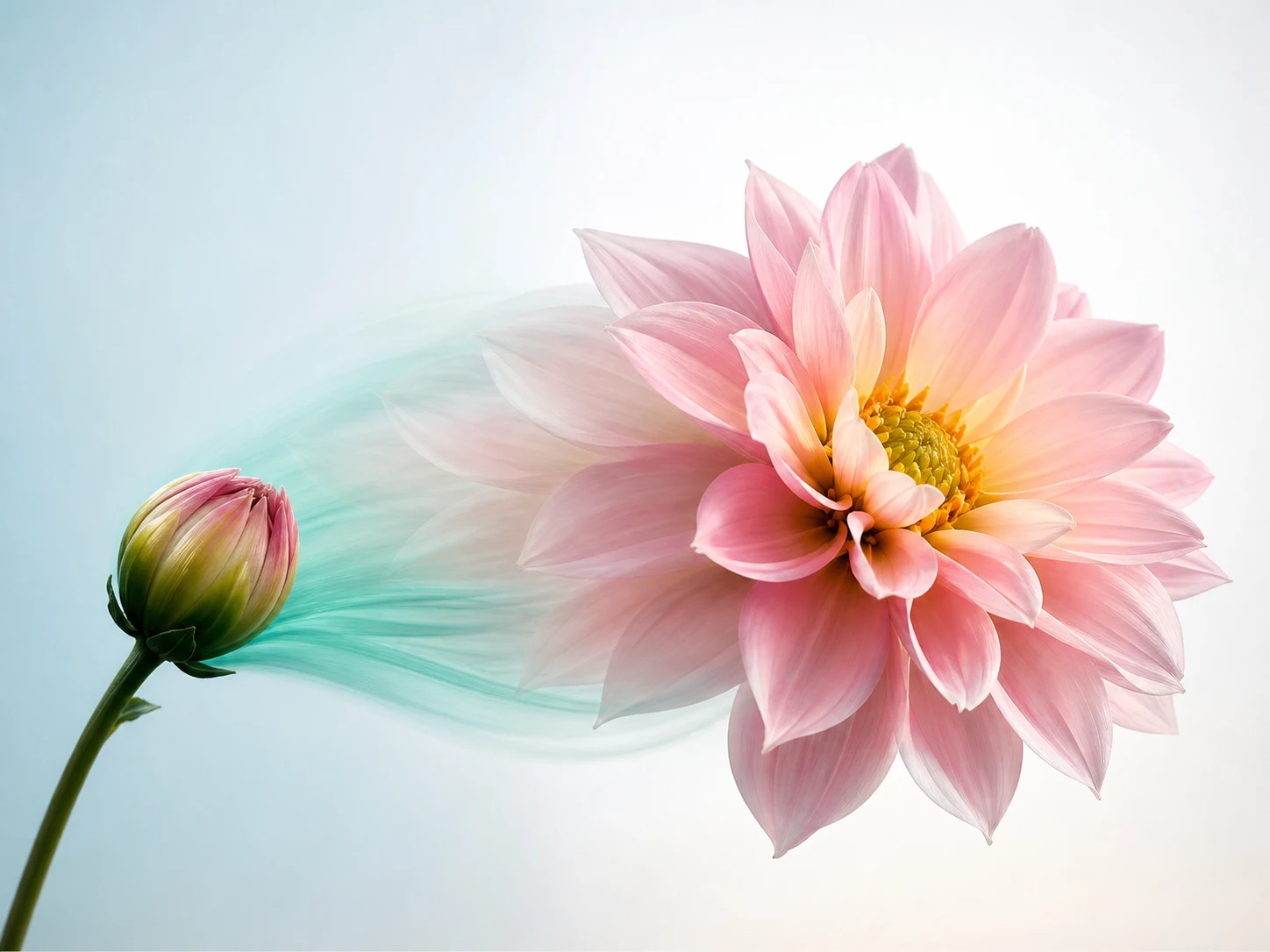
Set a start frame and an end frame, and Motiofy generates the transition between them. Perfect for reveals, transformations, and before-and-after shots.
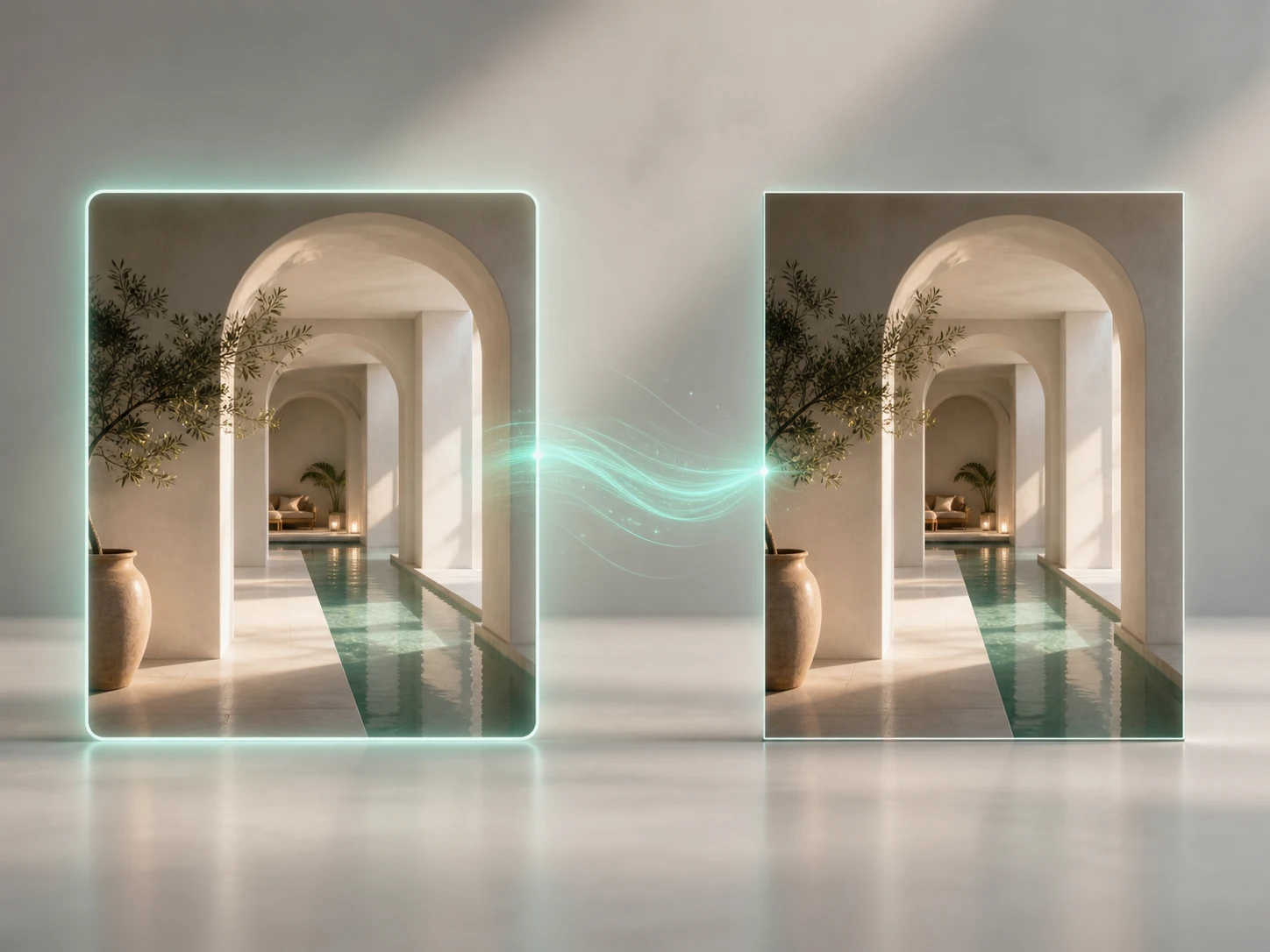
Feed in a reference image to lock the product, character, or overall look.
Everything around your image to video projects lives in one workspace, from picking a model to keeping your creation history.
Explore our latest AI video experiments, prompts, and practical lessons from real results.
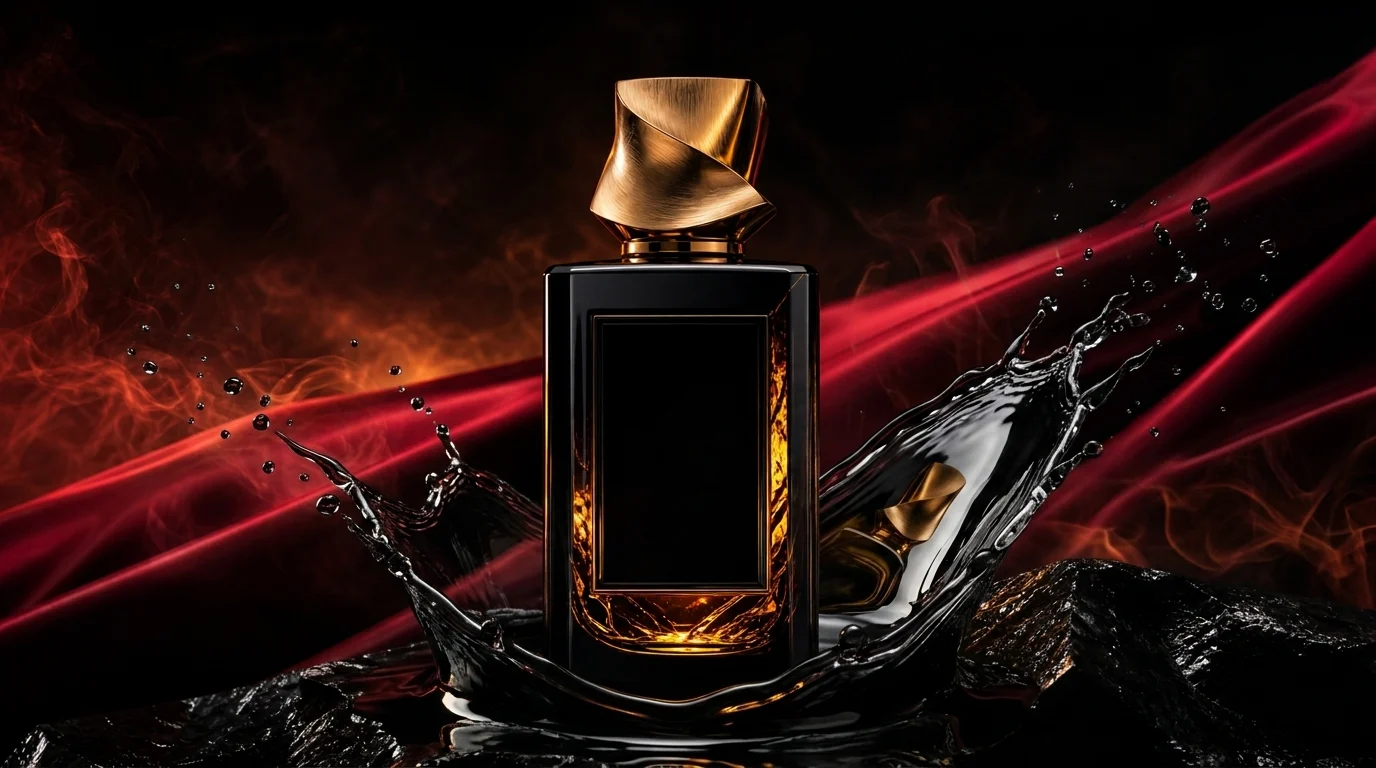
Create a luxury AI product video ad from one image using a tested anchor, shot sequence, and prompt that protects product shape, materials, and brand memory.
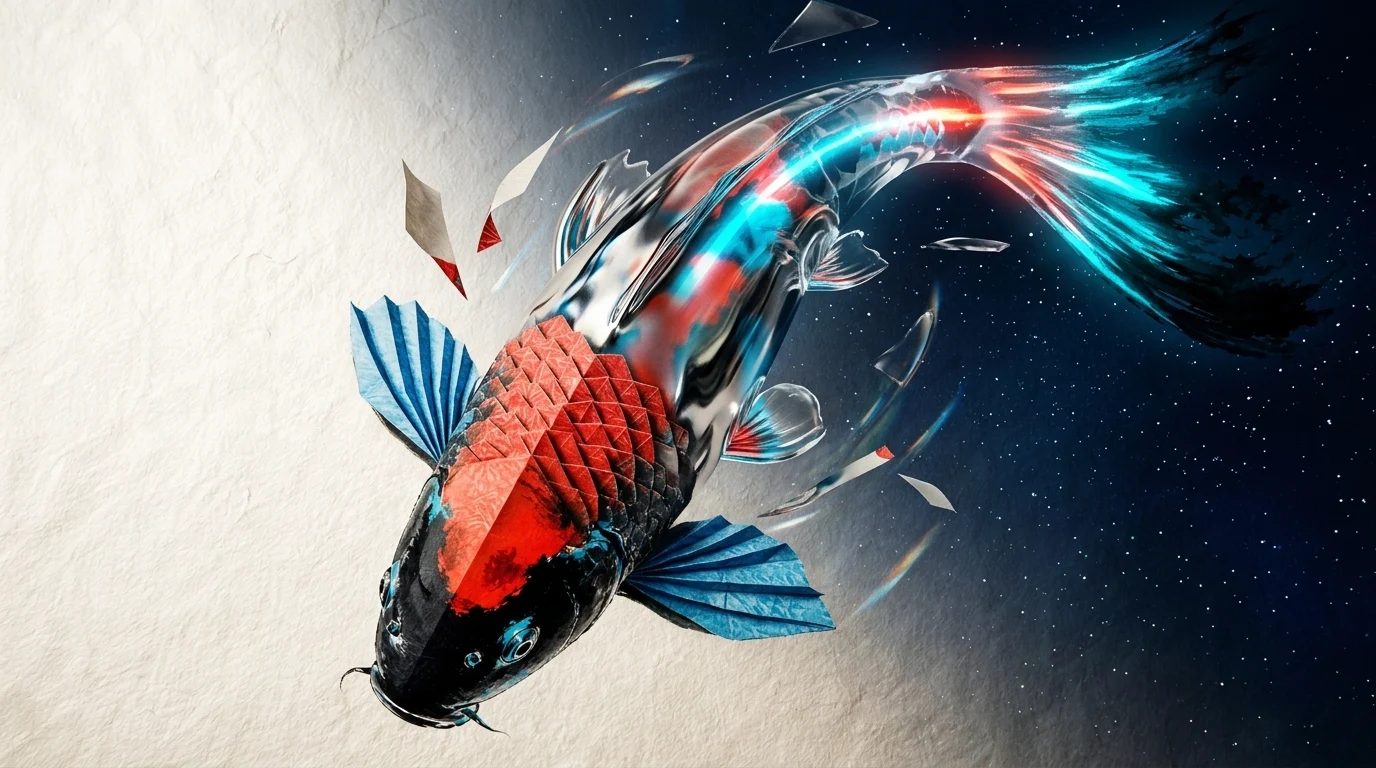
Learn how to animate a painting with AI through ink, origami, chrome, glass, and living light using a tested material-ladder prompt and real output frames.
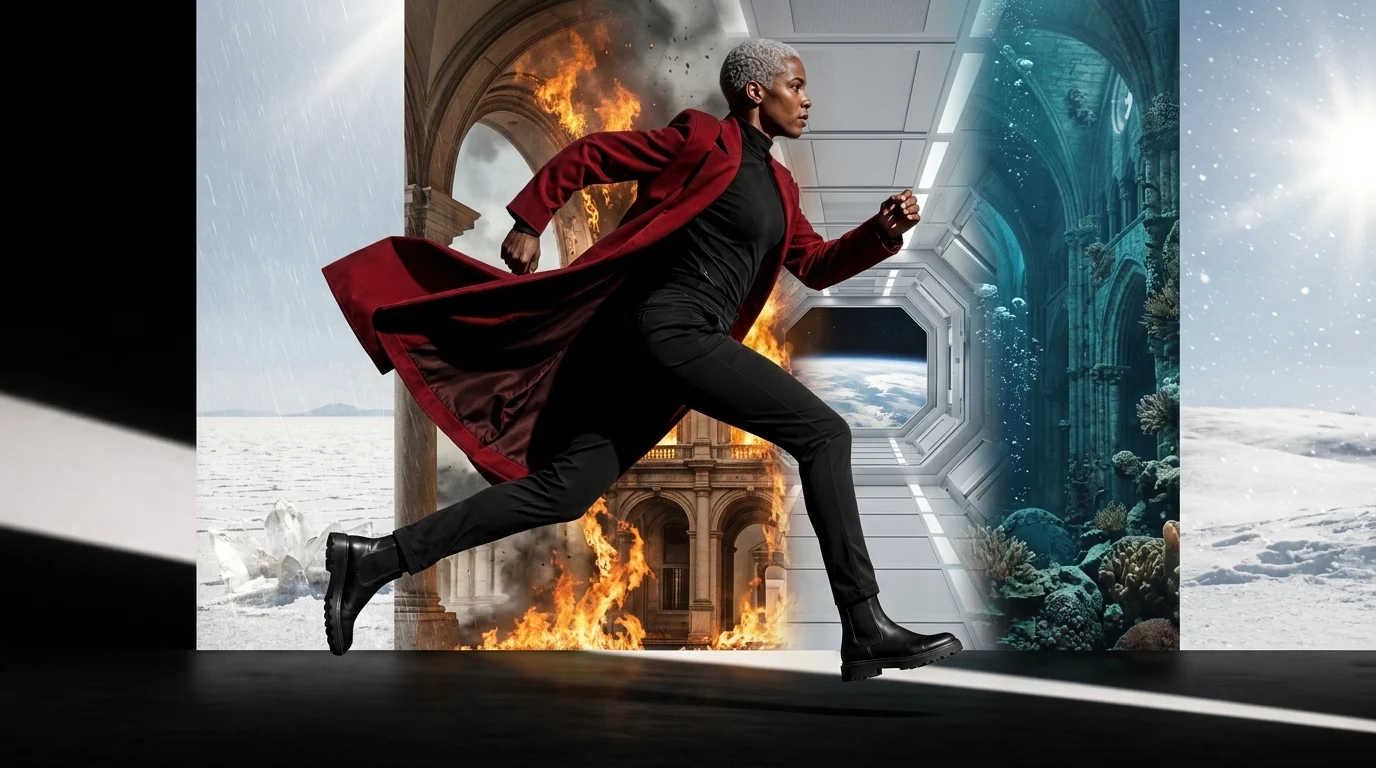
See how one AI character survives eight world changes in a Seedance 2 test of identity, wardrobe, motion, and camera consistency, with prompts and real frames.
Whatever you create, the path stays simple: start with one image and end with a video you can post.
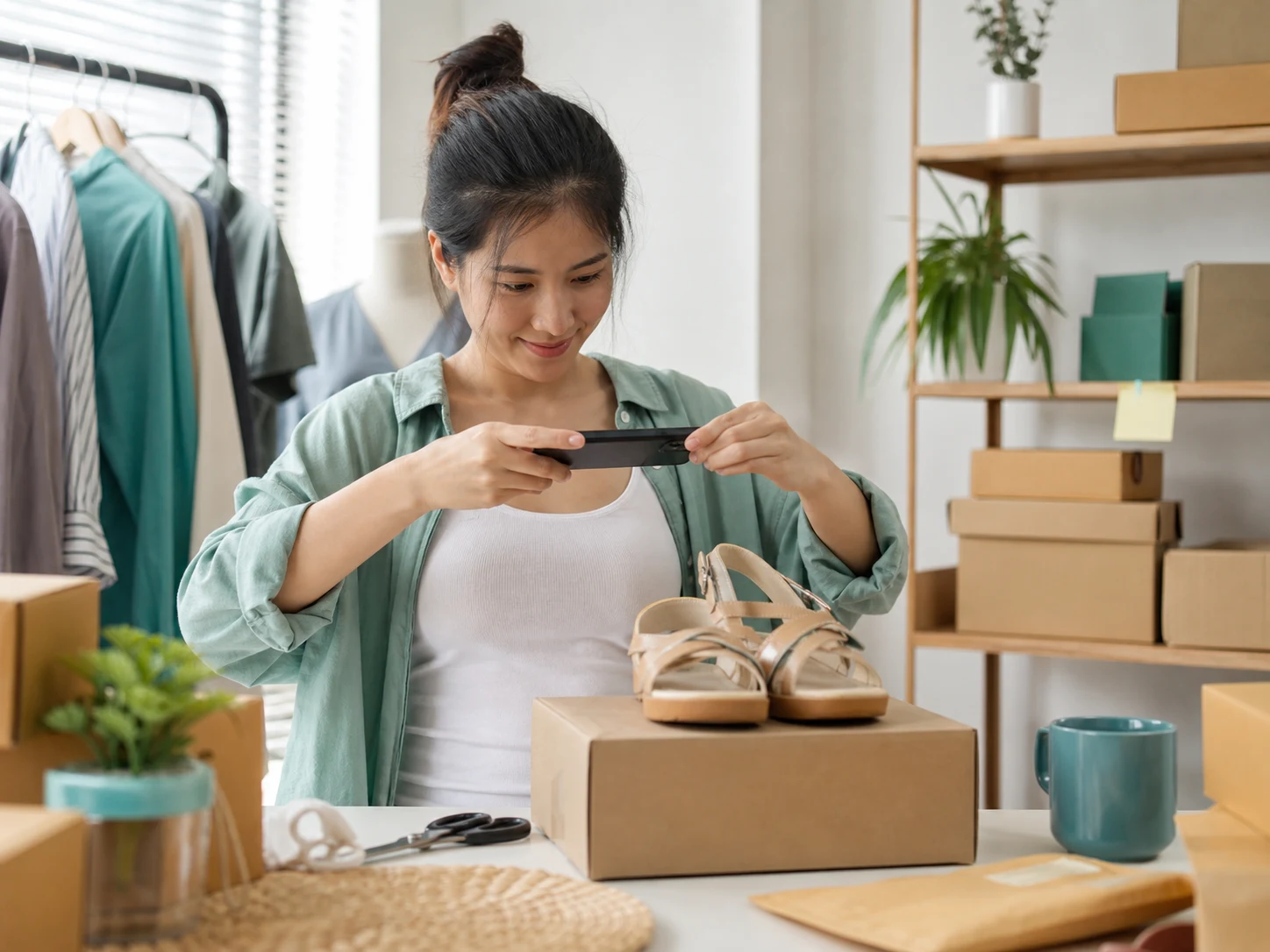
Turn catalog photos you already have into image to video product clips for listings and ads.
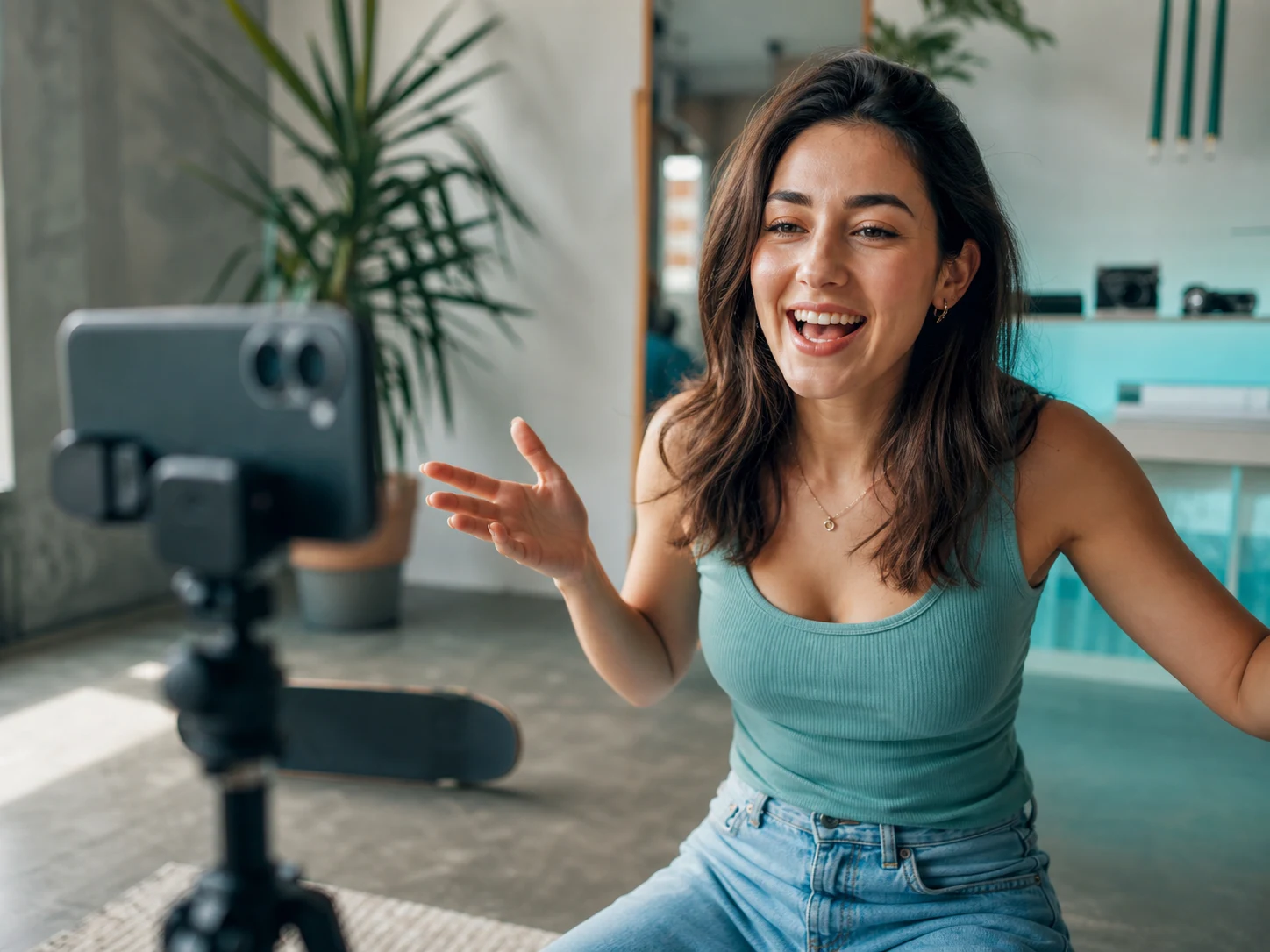
Convert existing photos into short-form video concepts for Reels, Shorts, and TikTok without filming new footage.
Animate paintings and digital illustrations while using the original composition as visual guidance.

Ship video ad variations at the speed of a brief. Test ten motion concepts from one product image instead of booking one shoot.
See why creators switch from shoots and editing timelines to image to video.
Choose the monthly Credits, video resolution, and creation capacity that fit your workflow.
Starter
For exploring ideas and occasional creation
Billed Annually ·$240$200/year
Unlock popular models
Creator
For creators producing content regularly
Billed Annually ·$480$400/year
Unlock popular models
Pro
For high-volume professional production
Billed Annually ·$1,200$1,000/year
Unlock popular models
Starter
For exploring ideas and occasional creation
Billed Annually ·$240$200/year
Unlock popular models
Creator
For creators producing content regularly
Billed Annually ·$480$400/year
Unlock popular models
Pro
For high-volume professional production
Billed Annually ·$1,200$1,000/year
Unlock popular models
By continuing to checkout, you agree to the Terms of Service.
Practical answers about inputs, models, credits, storage, and usage rights.
Upload it, describe the movement, and turn your first image to video with the free credits added at sign-up.