
Best AI Image-to-Video Generators in 2026
Compare eight AI image-to-video generators on free credits, pricing, resolution, watermarks, and commercial use to choose the right tool for your workflow.

Turning a single photo into a moving video clip stopped being a novelty in 2026 — it's now a normal step in shipping a product listing, a social ad, or an animated illustration. The hard part isn't finding a tool that claims to do it. It's picking one that actually fits your workflow, your budget, and the resolution you need, out of a field that's grown to dozens of options in the last two years.
We put together this comparison the way we'd want to read it: a fast answer up top, then the actual free-tier limits, pricing, and trade-offs behind each tool — including our own product, Motiofy, which we're not going to pretend isn't in this list.
The quick answer
| Category | Pick | Why |
|---|---|---|
Fastest path from one photo to a usable clip | Motiofy | Single-image upload, optional first/last-frame and reference-image control, several models in one credit pool |
Most cinematic camera control | Runway | Gen-4.5 and Aleph 2.0 lead on motion coherence and directable camera moves |
Best free tier to actually test motion | Kling AI | 66 credits every day, even if they expire daily |
Cheapest per finished clip once you subscribe | Hailuo AI (MiniMax) | Lowest cost-per-second of any tool here at the entry paid tier |
Best if you already live inside a design tool | Canva | Image-to-video sits next to your templates, decks, and social posts |
Best for commercially licensed training data | Adobe Firefly | Trained only on licensed and public-domain content, ties into Premiere/After Effects |
Read on for what's actually behind each of those picks — the numbers below are what decide whether a tool is usable for real work or just a demo.
Watch four production-tested workflows
A specification table can narrow the field, but it cannot show whether a workflow survives real production constraints. These four short case studies pair the final edited result with the anchor, prompt, raw-generation evidence, failure boundaries, and continuity decisions behind it. The cards below are static previews; each opens the matching article and its single video player.
 9 sec
9 secHow to Create a Luxury Product Video Ad From One Image
Watch and read the case study
 8 sec
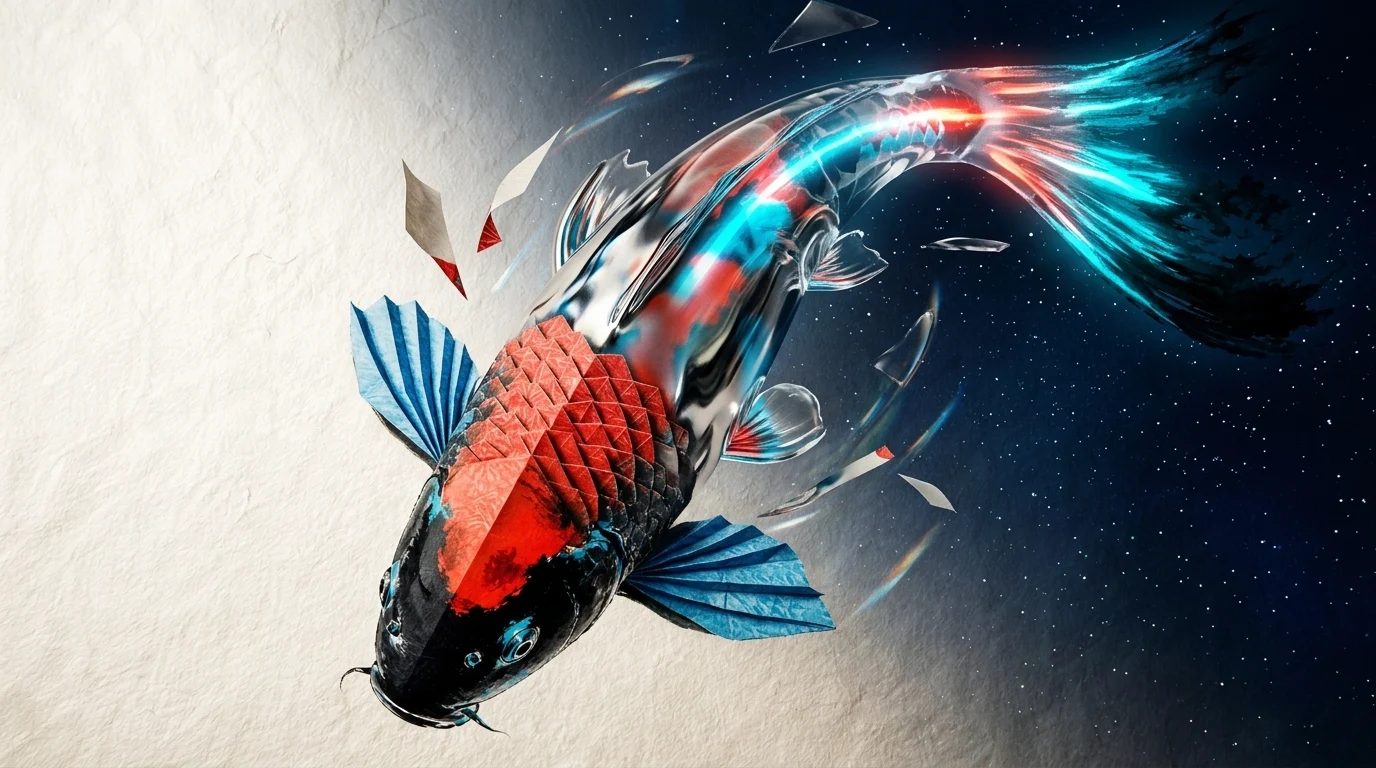
8 secHow to Animate a Painting Through Multiple Material States
Watch and read the case study
 8 sec
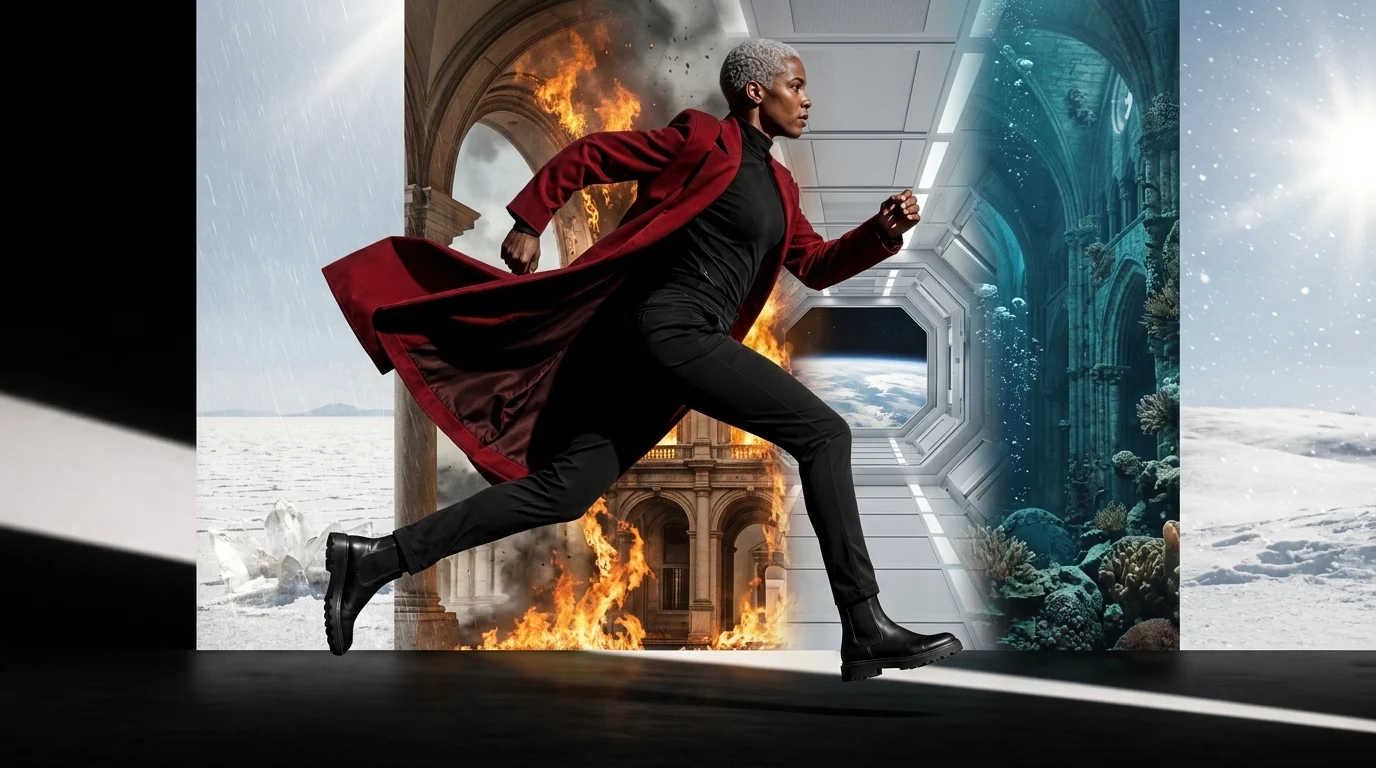
8 secWe Tested Character Consistency Across Eight AI Worlds
Watch and read the case study
 13 sec
Anchor Relay: A Controlled AI Style-Transformation Workflow
Watch and read the case study
How we put this list together
We started from the tools that actually show up when people search for "best image to video AI" — the ones with a real free tier or a low-cost entry plan, not just a waitlist. For each one, we pulled the free-tier limits, entry-level paid pricing, resolution caps, and commercial-use terms directly from the vendor's own pricing page, cross-checked against independent pricing trackers where a vendor's page didn't list exact numbers. Every figure below is dated July 2026 — AI video pricing moves fast, plans get renamed, and free tiers get quietly trimmed, so treat this as a snapshot and confirm the current numbers on each vendor's page before you commit to a paid plan.
Motiofy: best for a simple multi-model workflow
Motiofy turns one photo into a video clip directly in the browser: upload an image, describe the motion, and generate. It supports a single starting frame, a first-and-last-frame pair for controlled transitions, or a reference image to guide style — and routes all of them through one credit balance instead of locking specific input types behind separate products. For a concrete campaign example, see how we turned one product image into a multi-shot luxury ad.
- Free tier: 20 free credits at signup. Credits are spent per second of video and the rate depends on the model, so the free grant is best used to try the workflow and the cheapest model rather than expecting several full clips for free.
- Paid plans: Starter at $20/mo (2,000 credits), Creator at $40/mo (6,000 credits, the most popular tier), Pro at $100/mo (15,000 credits) — each also available as an annual plan with a larger credit pool. See Motiofy pricing for the current numbers.
- Strengths: multiple provider models behind one interface, first/last-frame and reference-image control in the same flow, a generation history so you can revisit and re-run prompts, and no separate "video app" to learn if you're already doing product or social content.
- Best for: the exact workflow our own homepage describes — e-commerce sellers turning catalog photos into listing clips, social creators skipping a reshoot, marketing teams testing several motion concepts from one product photo, and illustrators animating existing artwork.
Kling AI: best recurring free tier
Kling (by Kuaishou) is one of the most-searched names in this category, and its free tier is genuinely usable for testing: every logged-in account gets 66 credits a day, though they expire at the daily reset and don't roll over. Free output is capped at 720p, carries a visible watermark, and is restricted to non-commercial use.
- Free tier: 66 credits/day, 720p max, watermarked, non-commercial, standard (slower) queue.
- Paid plans: Standard around $10/mo (660 credits, 1080p, watermark removed, commercial use unlocked), up through Pro (~$37/mo), Premier (~$92/mo), and Ultra (~$180/mo) for high-volume or 4K work. First-month promotional pricing is common; renewal reverts to the standard rate.
- Strengths: strong motion physics and character animation, frequent model updates (Kling 3.0 at the time of writing), an actual daily free allowance rather than a one-time trial.
- Trade-off: the free tier resets daily instead of accumulating, so it rewards testing in short daily sessions rather than saving up credits for one big batch.
Source: klingai.com pricing.
Runway: best cinematic camera control
Runway is the reference point most comparison articles get measured against, and it earns that with the most directable camera control in this list — pan, zoom, and multi-shot sequencing on top of Gen-4.5 and the newer Aleph 2.0 model.
- Free tier: 125 one-time credits ("free forever," but not renewing) covering Gen-4 Turbo image-to-video, Gen-4 image generation, and basic editor tools.
- Paid plans: Standard $12/mo (625 credits/mo, all models, 4K upscaling, no watermark), Pro $28/mo (2,250 credits/mo), Max $76/mo (9,500 credits/mo, unused credits roll over one month).
- Strengths: the most coherent camera motion and multi-model access (Gen-4.5, Aleph, Kling 3.0, Veo 3.1, and others) inside one subscription.
- Trade-off: the free allowance is one-time, not recurring — once the 125 credits are gone, testing further requires a paid plan.
Source: runwayml.com pricing.
Luma Dream Machine: best for HDR fidelity
Luma's Ray3 models are built for higher-fidelity motion — including HDR output — and its pricing page lists paid-only individual plans; we didn't find a standing free tier on the plans page itself, so budget for a subscription from day one if you're evaluating Luma specifically for image-to-video.
- Plans: Plus at $25/mo billed yearly (10,000 credits), Pro at $75/mo billed yearly (40,000 credits), Ultra at $250/mo billed yearly (150,000 credits). Credit cost per clip varies steeply by model and resolution — a 5-second 1080p Ray3.2 clip runs 400 credits, while the same length in Draft quality is 20 credits.
- Strengths: HDR and EXR output options, per-model cost transparency on the pricing page itself, strong result quality at higher resolutions.
- Trade-off: no free-forever tier and the credit cost per clip scales quickly with resolution, so casual testing gets expensive fast.
Source: lumalabs.ai pricing.
Pika: best for stylized effects
Pika leans into stylized effects — Pikaffects, Pikatwists, Pikascenes — on top of standard image-to-video, and unlike Runway's one-time grant, its free tier renews every month.
- Free tier: 80 credits/month, recurring, limited to the Pika 2.5 model at 480p and image-to-video-only effects.
- Paid plans: Standard $8/mo billed yearly (700 credits/mo, full resolution range), Pro $28/mo (2,300 credits/mo), Fancy $76/mo (6,000 credits/mo, fastest queue).
- Strengths: the largest set of stylized one-click effects in this list, a free tier that actually renews instead of a one-time trial.
- Trade-off: the free tier's 480p cap and Turbo-only access mean it's for experimenting with effects, not producing anything you'd publish.
Source: pika.art pricing.
Hailuo AI: best value for paid generation
Hailuo positions itself as the budget option, and the math backs that up once you're on a paid plan — independent trackers put its cost-per-video at roughly a quarter of Runway's at comparable quality. The free tier, though, has been trimmed since launch: MiniMax discontinued a daily free-credit bonus in 2025, and what's left is a one-time trial.
- Free tier: a one-time allotment (commonly cited around 200 credits, enough for roughly 4–8 short clips), capped at 768p and 6 seconds, watermarked, lowest queue priority, no commercial use.
- Paid plans: Standard around $9.99/mo (1,000 credits, roughly a dozen 1080p clips), scaling up through Pro, Master, Ultra, to Max at $199.99/mo (20,000 credits plus unlimited generation in a slower "Relax" mode).
- Strengths: the lowest cost-per-finished-clip of any tool in this list once you're subscribed, particularly strong at character-driven motion.
- Trade-off: the free tier is a trial, not an ongoing allowance, and failed generations still consume credits — so budget for some wasted spend while you learn its prompting style.
Source: hailuoai.video, figures cross-checked against multiple independent pricing trackers as the vendor's own pricing page returned an error at the time of writing.
Adobe Firefly: best for commercial workflows
Firefly's pitch isn't the cheapest or the most stylized output — it's that every generation is trained only on licensed and public-domain content, which matters if you need to publish commercially without a licensing question hanging over the clip. Image-to-video supports up to 4K output, directable camera motion (pan, zoom, tilt), and first/last-frame control, and plugs directly into Premiere and After Effects.
- Free tier: a free Adobe account includes a limited pool of generative credits shared across Firefly's image and video tools.
- Paid plans: Firefly's paid tiers expand the shared credit pool and unlock higher-resolution export; exact current pricing is best checked on Adobe's own plans page, since Firefly credits are bundled differently depending on whether you already hold a Creative Cloud subscription.
- Strengths: commercially-safe training data, 4K output, native handoff into the rest of the Adobe video pipeline.
- Best for: teams already inside Creative Cloud who need image-to-video as one step in a larger edit, not a standalone tool.
Source: adobe.com Firefly image-to-video.
Canva: best inside an existing design workflow
Canva's advantage is proximity — if your product photos, social templates, and decks already live in Canva, image-to-video is one tool away instead of a new tab. The catch is that Canva actually ships two different image-to-video experiences: the older Magic Media model, and the Veo-powered "Create a Video Clip" tool that's closer to what the other tools on this list do.
- Free tier: 5 lifetime video credits on Magic Media (roughly 4-second silent clips) — not a monthly allowance, and it doesn't include any access to the Veo-powered generator.
- Paid plans: Canva Pro (around $13–15/mo depending on region and billing term) adds a shared monthly AI allowance across Magic Media images, Magic Media video, and the Veo-powered tool — in practice that works out to roughly 20 Veo-quality clips a month if you're not spending the same pool on anything else.
- Strengths: zero context-switching if you're already designing in Canva, useful for quick social animations even on lower tiers.
- Trade-off: the free tier's 5 lifetime credits don't renew, and the higher-quality Veo generator is gated to paid plans with an allowance shared across every other AI feature in the app.
Source: canva.com pricing and Canva AI image-to-video.
Full comparison table
| Tool | Free tier | Cheapest paid plan | Free-tier resolution | Watermark on free | Commercial use on free |
|---|---|---|---|---|---|
| Motiofy | 20 credits · one-time | $20/mo | Varies by model | No | No |
| Kling AI | 66 credits/day | ~$10/mo | 720p | Yes | No |
| Runway | 125 credits · one-time | $12/mo | Up to 1080p | No | Limited |
| Luma Dream Machine | None listed | $25/mo (billed yearly) | — | — | — |
| Pika | 80 credits/mo | $8/mo (billed yearly) | 480p | Unclear on free tier | Unclear on free tier |
| Hailuo AI | ~200 credits · one-time | ~$9.99/mo | 768p | Yes | No |
| Adobe Firefly | Shared credit pool | See Adobe plans | Up to 4K (paid) | No | Yes |
| Canva | 5 credits · lifetime | ~$13/mo | Magic Media only | No | Limited |
Which one should you actually use?
- E-commerce sellers turning catalog photos into listing or ad clips: start with Motiofy or Kling AI — both let you go from one product photo to a clip without a separate video-editing step, and Kling's daily free credits are enough to test a few product shots before you commit to a plan.
- Social media creators who need short-form clips without filming new footage: Pika's stylized effects and Kling's daily free tier are the cheapest ways to iterate; Motiofy is the faster path once you know the exact motion you want from a specific photo. For a more controlled multi-stage approach, study the Anchor Relay workflow.
- Artists and illustrators animating paintings or digital art: prioritize tools that respect the original composition as guidance rather than repainting it — our material-transformation experiment shows why connected states matter more than decorative style labels.
- Marketing teams producing several motion concepts from one product image: Runway or Motiofy for iteration speed, Adobe Firefly if the output needs to sit inside an existing Premiere or After Effects pipeline with defensible, commercially-licensed training data. If a recurring subject matters, first stress-test its identity across environment changes.
- Budget-conscious, high-volume production: Hailuo AI's per-clip cost is the lowest here once you're on a paid plan — worth the one-time free trial to judge its style before subscribing.
Frequently asked questions
What's the actual difference between "image to video AI" and "text to video AI"?
Image-to-video starts from a photo or illustration you already have and adds motion to it, so the subject, composition, and lighting stay anchored to your original image. Text-to-video generates the entire scene from a written prompt with no starting image, which gives more creative freedom but far less control over exactly what appears in frame. If you do not have a starting image, use Motiofy's AI text to video generator to build the scene directly from a prompt.
Which of these tools has a free plan with no watermark?
None of the free tiers in this comparison remove the watermark outright except where noted as "unclear" — Pika's page didn't clearly separate free-tier bullets from its Standard plan. If a watermark-free result matters for your first test, budget for the cheapest paid tier rather than assuming the free plan covers it.
Can I use free-tier output commercially?
Generally no. Every tool in this list that documents commercial-use terms restricts free-tier output to personal or non-commercial use; commercial rights are unlocked on a paid plan. Adobe Firefly is the exception in spirit — its licensed-training-data policy is designed around commercial safety — but its own free-credit allowance is still limited.
How much does a single AI-generated video clip actually cost?
It depends heavily on resolution, duration, and model — a 5-second clip can cost anywhere from a few cents (Hailuo AI on a paid plan, lower resolution) to several dollars (Luma's Ray3.2 at 1080p). If cost-per-clip matters more than any single feature, compare the credits-per-second rate of the specific model you plan to use, not just the plan's headline price.
How this guide was put together: every price, credit amount, and resolution limit above comes from the listed vendor's own pricing or feature page, checked in July 2026, with a couple of figures (marked above) cross-referenced against independent pricing trackers where a vendor's page didn't publish exact numbers or was temporarily unavailable. We are the team behind Motiofy, one of the tools in this comparison — we've tried to describe our own free tier and pricing with the same limits and caveats we applied to everyone else's. AI video pricing and free-tier terms change often; if a number here looks off, the vendor's current page is the source of truth.