

Step 1
Choose your starting point
Begin with words for a new scene, an image for a subject you want to animate, first and last frames to guide a transition, or visual references when identity and style matter.
Your story, product, or character comes to life with the motion, mood, and sound you imagined.
See MiniMax H3 at work across character reveals, title sequences, product stories, stylized motion, and reference-led scenes. Each example starts with a clear creative brief you can make your own.
Start with a visual idea, give it a clear direction, and keep refining until the scene feels like yours.
Begin with words for a new scene, an image for a subject you want to animate, first and last frames to guide a transition, or visual references when identity and style matter.

Describe the action, camera, feeling, and sound you want the viewer to experience. Clear relationships create a stronger sense of intention than a pile of cinematic adjectives.
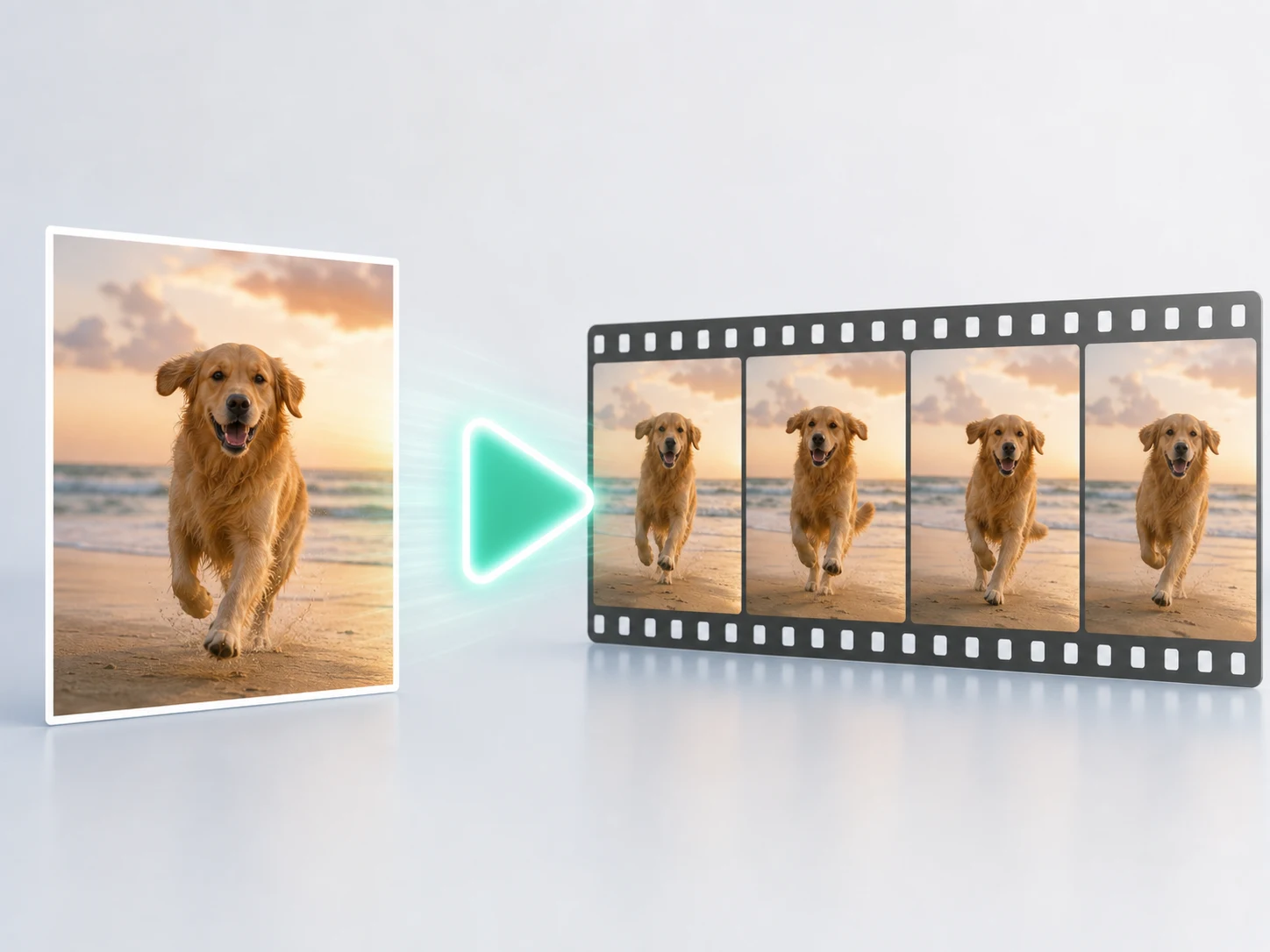
Make a first version, keep what works, and change one creative choice at a time until the motion, rhythm, and mood land together.
From sound-rich storytelling to reference-led design, MiniMax H3 helps you move from a strong idea to a scene with a point of view.
MiniMax H3 is built to treat dialogue, ambience, effects, and music as part of the same moment. Describe the sound beside the action it belongs to, then listen to the complete scene before you choose a take.
Use visual references to carry a person, product, creature, or interface into a new action without losing what makes it distinct. Give each reference a clear role so the scene stays focused.
Product films, title sequences, UI stories, and stylized motion benefit when the look, rhythm, and message move together. Keep on-screen words short, and add final brand typography in post when every letter must be exact.
Compare the two by the kind of scene you want to make — sound, references, visual style, output choices, and room to iterate.
Want another direction for the shot? See Seedance 2.0 for cinematic ads and one-takes.
Answers to the questions creators ask before choosing MiniMax H3 for a real project.
Bring in a prompt, an image, or a visual reference. Shape the scene with MiniMax H3, then keep the take that feels like yours.