


Motion duration
—
Estimated Credits
—
Transfer body movement, gestures, and expression from a reference video to a character image—without rebuilding the performance frame by frame.
Nine public community demonstrations show how recorded performances can drive realistic people, stylized characters, dance, and longer creative workflows.
Public X metrics captured August 15, 2026. Videos and prompts belong to their credited creators and are shown as community evidence, not Motiofy-generated results.
Use a recorded performance when the movement matters more than asking a video model to invent it.
A clear character image anchors appearance while the reference video supplies the performance. Matching the image and video framing gives the face and body a better chance to remain stable through turns and expression changes.
Drive full-body movement, gestures, visible expression, contact, and momentum from one continuous reference video instead of describing every beat in a prompt.
Follow motion uses the video’s body orientation for complex movement. Keep image preserves the pose direction of the character image when composition matters more.
Better source material usually matters more than a longer prompt.
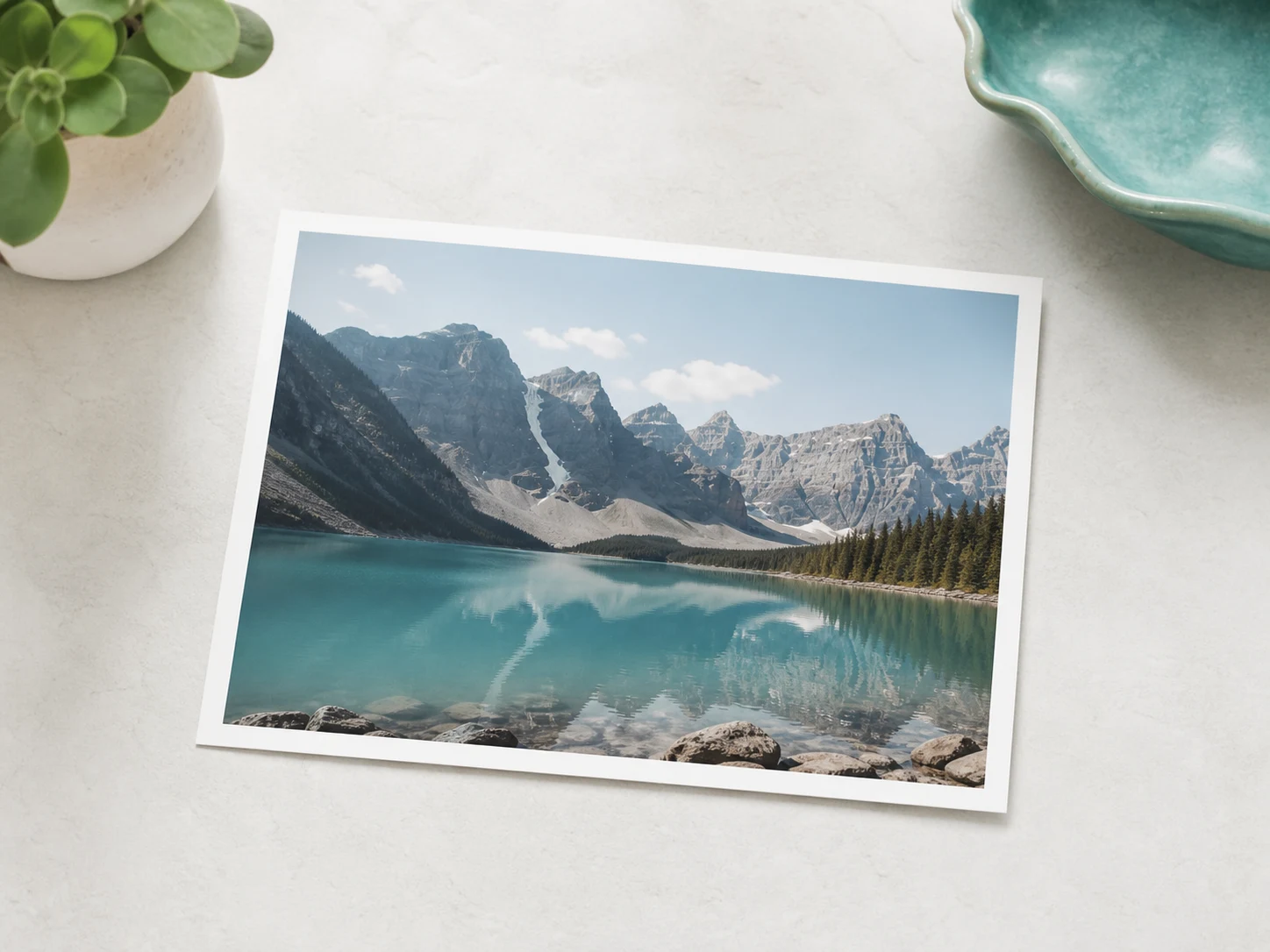
Use a clear full-body or upper-body image with visible limbs and a simple silhouette.
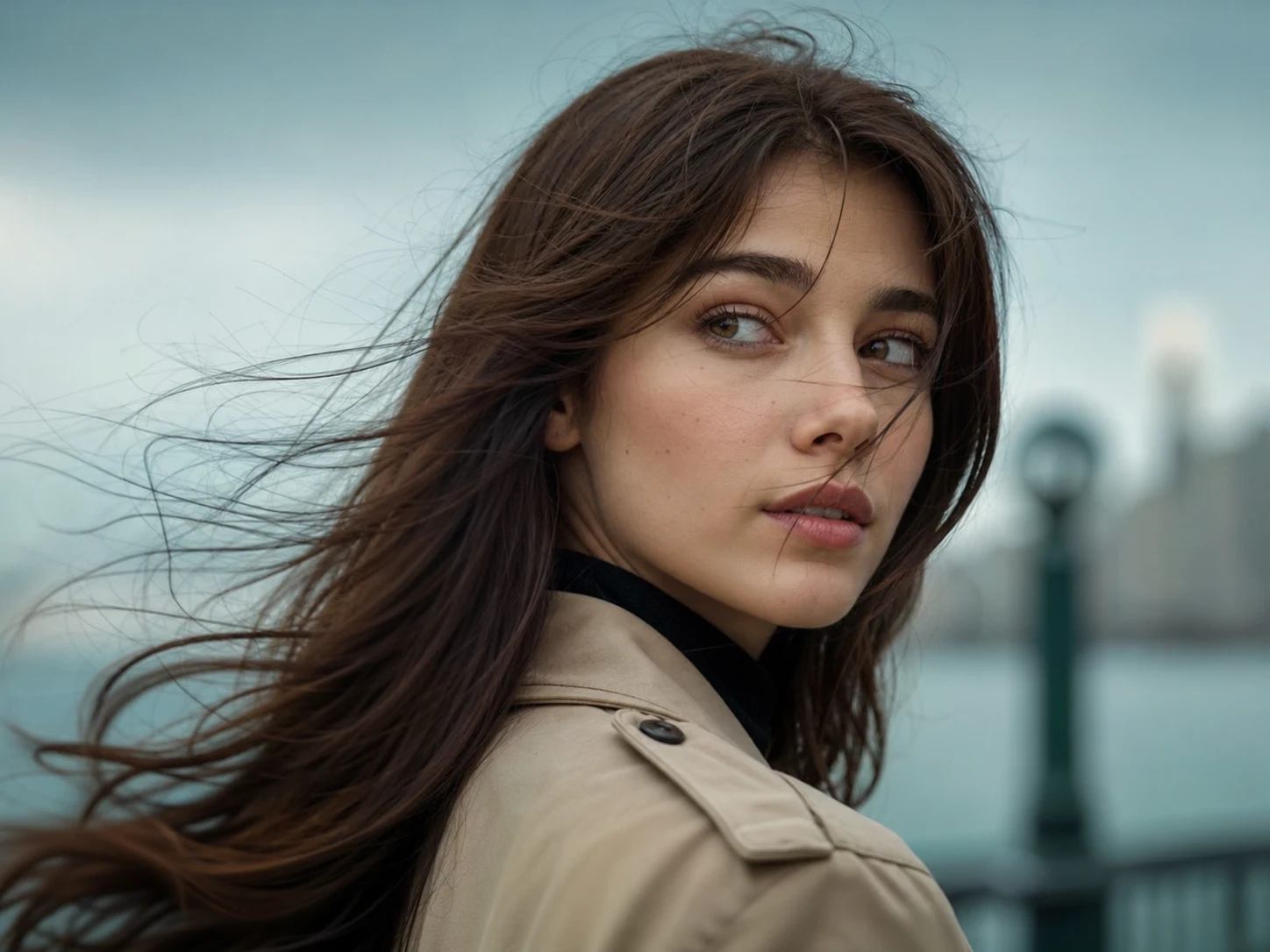
Choose an MP4 or MOV between 3 and 30 seconds. Keep image mode is limited to 10 seconds.
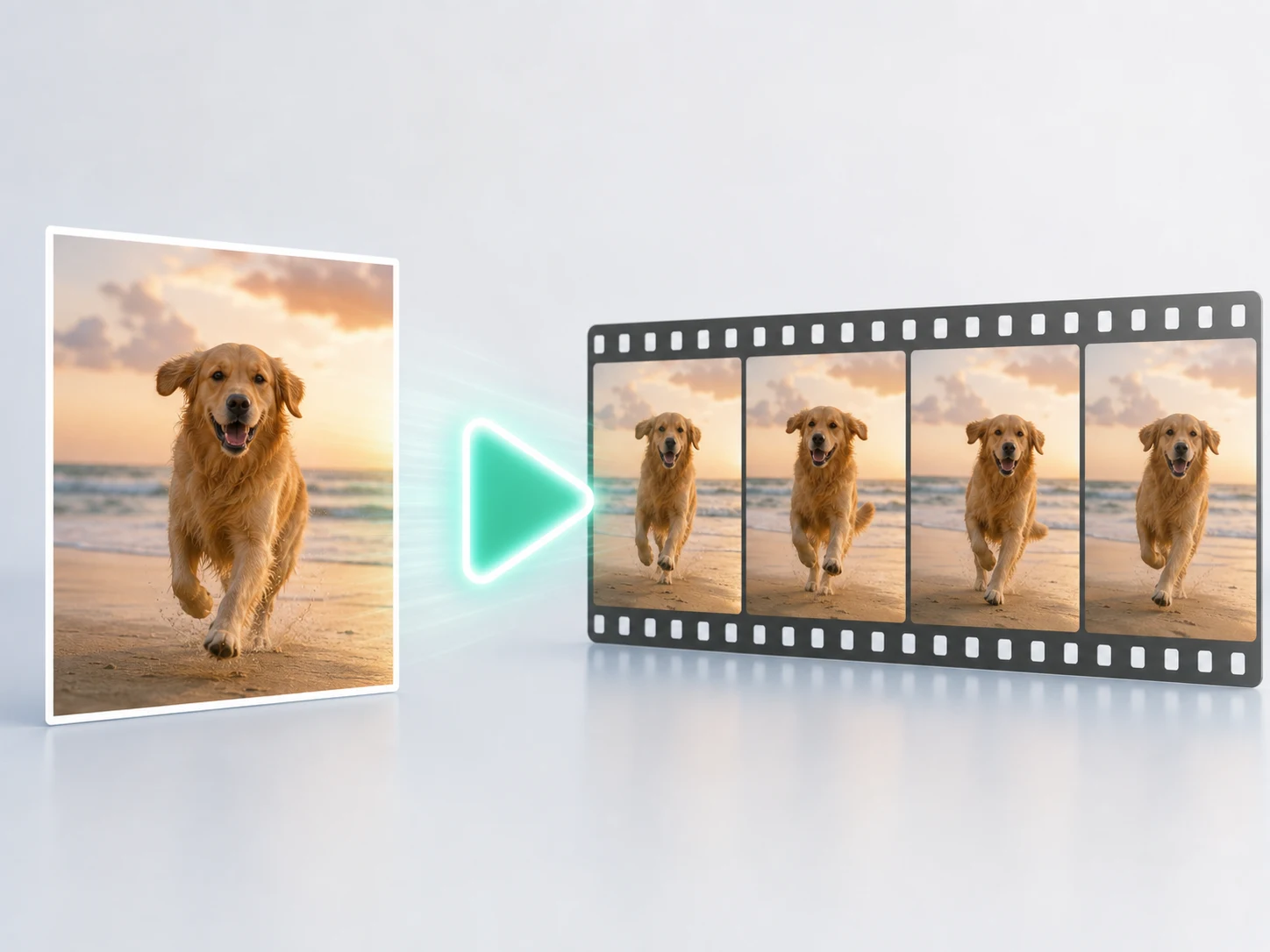
Select 720p or 1080p, review the Credits estimate, then follow progress in History.
Choose by what must stay under your control: a recorded human performance or a prompt-led scene with multimodal references and sound.
Need the model to invent the shot instead of following a performance? Create with Seedance 2.0.
How to choose references, protect identity, handle difficult motion, and decide when Seedance 2 is a better fit.
Return to the workbench, add your character and motion reference, and review the exact Credits before generating.