

Step 1
Choose text, an image, or reference frames
Use text for a new scene, an image or references to anchor identity and style, or first and last frames when the transition must begin and end somewhere specific.
Direct a complete story from text, images, or reference frames. Build the shot, keep the important details, and generate Seedance 2.5 videos on Motiofy.
Explore 9 community research examples—not Motiofy outputs—with each video paired with its working Prompt. Copy the full Prompt or load it into the Seedance 2.5 generator.
Start with the kind of control your shot needs, map the action in time, then refine the take that best carries the story.
Use text for a new scene, an image or references to anchor identity and style, or first and last frames when the transition must begin and end somewhere specific.

Break a longer idea into timed beats. Name the subject, camera path, action, sound, and final image so each moment has a job in the story.
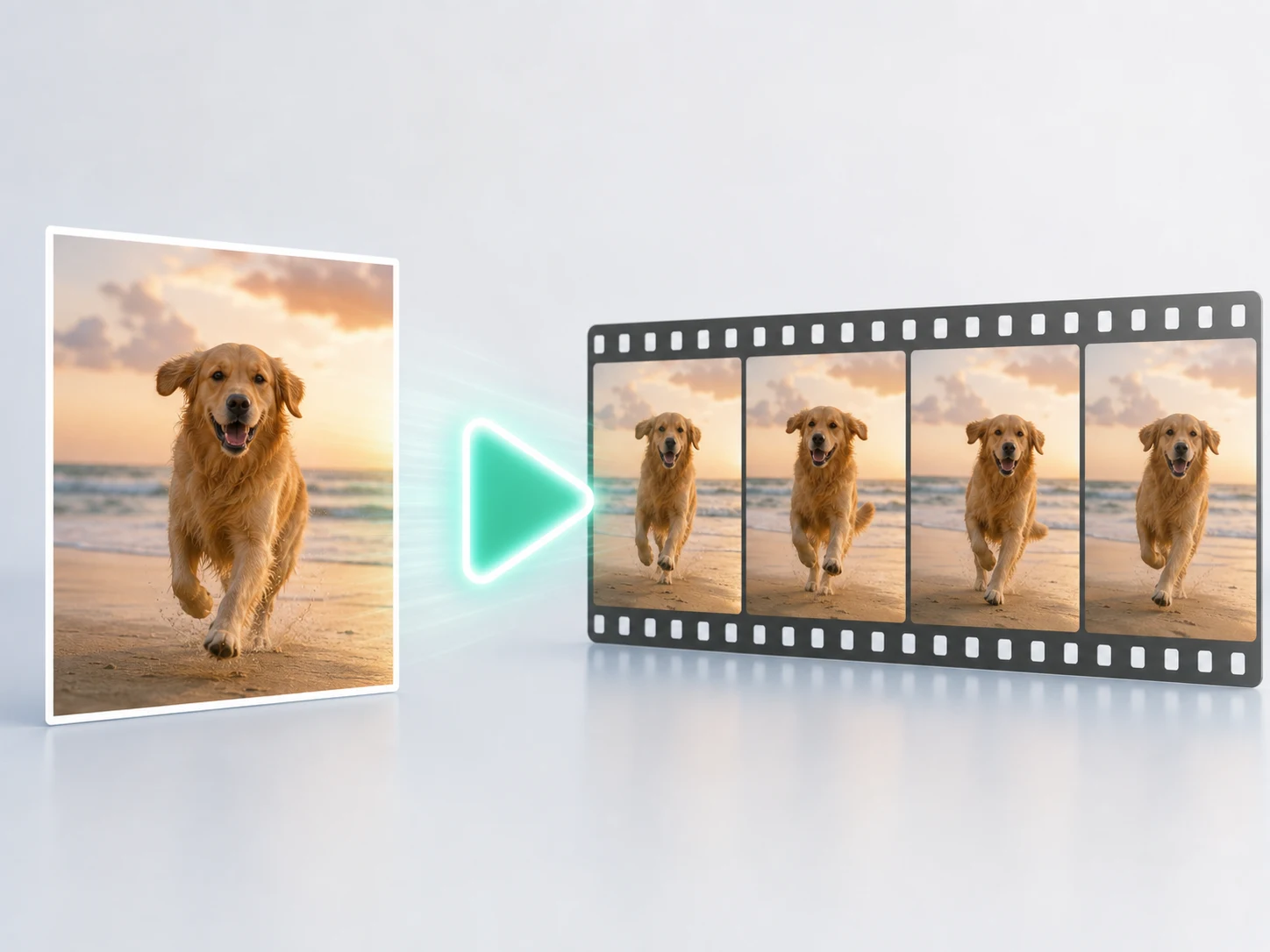
Set the duration, frame, resolution, and audio options before generating. Change one weak beat at a time instead of throwing away a working sequence.
Use Seedance 2.5 when a short video needs more than one pretty moment: a readable timeline, a stable subject, or a precise visual change.
Give the video a beginning, a turn, and a final image. Seedance 2.5 is a strong fit for narrative ads, short scenes, and camera journeys that need to keep moving instead of resetting every few seconds.
Use references to anchor a person, product, place, or visual language. Then describe what may change—season, light, costume, or action—so continuity has a clear boundary.
Write the collision, reveal, transformation, or sound cue at the moment it should happen. A compact timeline gives a complex shot a sequence the model can follow and you can revise.
Compare the three models by the job you need the shot to do: story length, reference control, sound, visual language, and iteration space.
Availability, resolution, audio, and Credits can vary by account and model variant. The generator shows the current cost and supported controls before you submit.
Want to inspect the neighboring model pages too? Explore MiniMax H3 · Explore Seedance 2.0.
Practical answers about duration, modes, references, Prompt structure, model choice, and current Motiofy generation settings.
Start with a Prompt, image, or reference frames. Map the action in time, then generate a Seedance 2.5 take you can keep shaping on Motiofy.