

Step 1
Start from text, an image, or frames
Invent a scene from text, animate an existing image, guide a transformation with first and last frames, or use references when identity matters most.
Direct character-driven scenes with structured camera movement and native sound. Shape each beat with text, images, or frames, then refine your take on Motiofy.
Explore 12 verified community prompt and video pairs—not Motiofy outputs. Try 5 Standard prompts in the generator, or copy 2 Multi-shot and 5 Turbo or Omni prompts to adapt for your own shots.
Choose a useful starting point, direct one readable beat at a time, then refine the take without losing the subject or the shot's purpose.
Invent a scene from text, animate an existing image, guide a transformation with first and last frames, or use references when identity matters most.

Name the subject, camera move, action, timing, dialogue, and sound. For structured sequences, give every shot one clear visual job instead of hiding the story inside a paragraph.
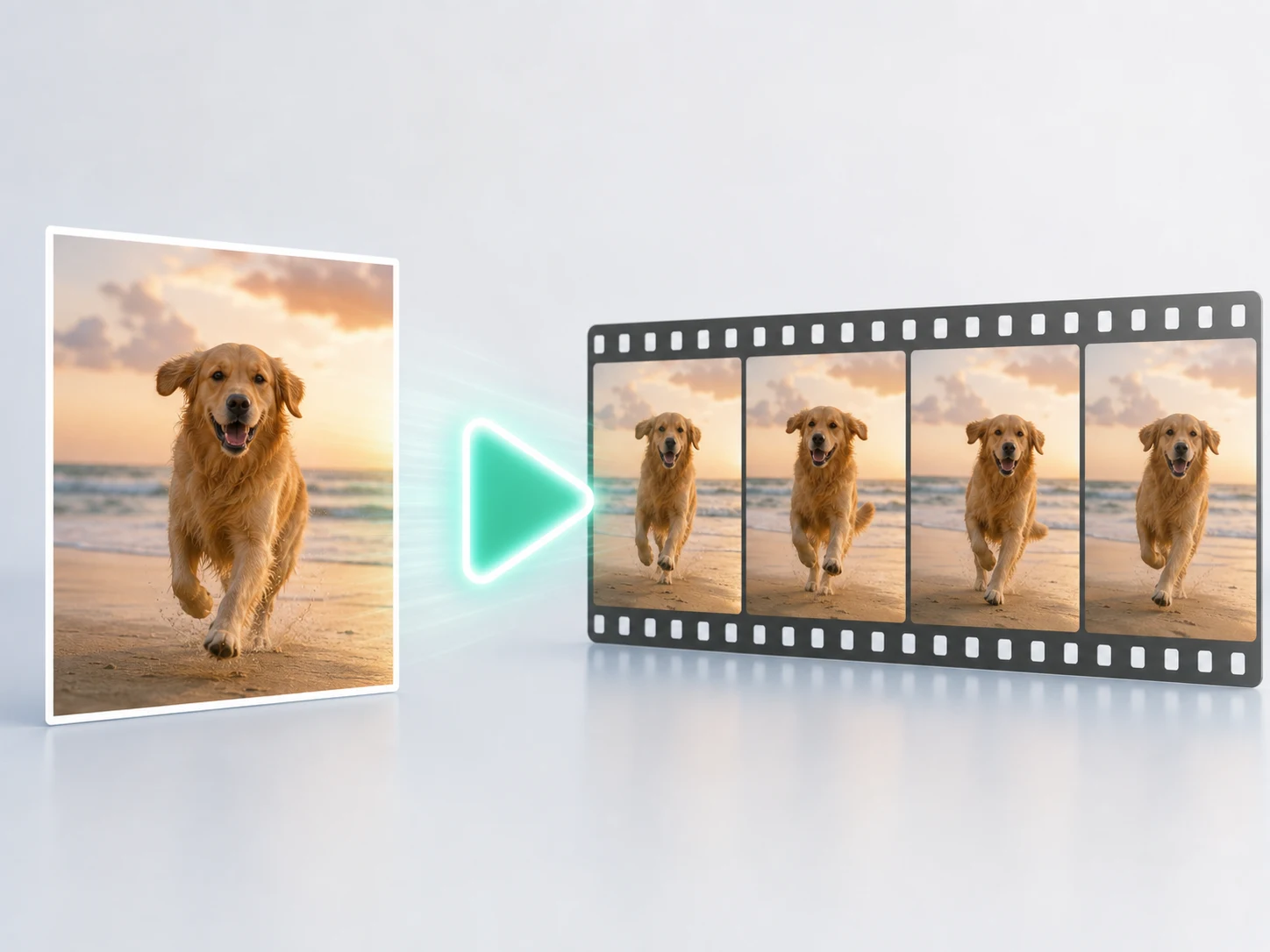
Inspect identity, hands, object continuity, spoken words, and on-screen text together. Keep the strongest take and change one weak instruction at a time.
Explore structured direction, character-led performance, native sound, and richer reference workflows across the Kling 3.0 family. Create with Standard above, then study the Turbo and Omni examples for more ways to shape a shot.
Kling 3.0's Multi-shot direction can organize close-ups, tracking shots, reactions, and hard cuts into a short sequence. Use a global identity lock and a compact shot list so the rhythm stays readable from the first image to the final pose.
The Kling 3.0 family can treat dialogue, ambience, effects, and performance as parts of one scene. State who speaks, how they feel, and what the environment should sound like—then verify every word before delivery.
Elements and Kling 3.0 Omni extend the family into richer reference-led work with images, video subjects, and audio. Give every reference one role and keep conflicting identity, wardrobe, or product instructions out of the same shot.
Choose by the job the shot needs to do: structured direction, reference continuity, native sound, duration, and the kind of iteration you can afford.
Need a different strength for the shot? Explore Seedance 2.5 or compare MiniMax H3 for stylized sound. See the evidence: we tested 4 models on 3 products.
Practical answers about current Motiofy generation, the wider Kling family, prompts, sound, references, cost, and known limits.
Bring a prompt, image, or pair of frames. Give the camera and performance a clear job, then generate a Kling 3.0 take on Motiofy.