

Wan 3.0 AI Video Generator

Build longer, sound-ready scenes with Wan 3.0. Choose Standard for economical iteration or Prime when faster turnaround matters.

Wan 3.0 Video Examples and Prompts

Explore 7 verified Wan 3.0 Standard videos paired with their creators' complete prompts. Standard and Prime share the same prompt controls; Prime processes each generation faster.

Seven-shot sakuga arena fight

Anime

Danioros @Dani__oros

Replies
26
Reposts
20
Likes
239

A post-catastrophe community in twenty cuts

Cinematic

Kōda @aimikoda

Replies
3
Reposts
1
Likes
23

An anime opening with kinetic English type

Anime

ぽんず @ponzponz15

Replies
1
Reposts
1
Likes
17

Twin brothers arguing into a warehouse fight

Cinematic

CG BEAST @Boluwatifeolad7

Replies
1
Reposts
0
Likes
7

A deliberately imperfect morning dog vlog

UGC & ASMR

林悦己 Cheer @cheerselflin

Replies
0
Reposts
0
Likes
4

Live-action café portrait switching into chibi

Transition & VFX

AI Video Lab @AI_VideoLab

Replies
2
Reposts
0
Likes
4

A rainy Seoul walk with identity and prop locks

One-shot

CerooDan @danieldmai

Replies
1
Reposts
0
Likes
1

Build a Wan 3.0 Video in Three Decisions

Choose the right starting material, direct a readable timeline, then select the processing tier that matches the job.

Choose how the scene begins
Step 1

Choose how the scene begins

Start from text, one image, first and last frames, or references. Use the fewest inputs that clearly define the subject and transformation.

Direct the full timeline
Step 2

Direct the full timeline

Describe subject, action, camera, environment, timing, and sound in that order. For a longer clip, divide the prompt into a few readable beats.
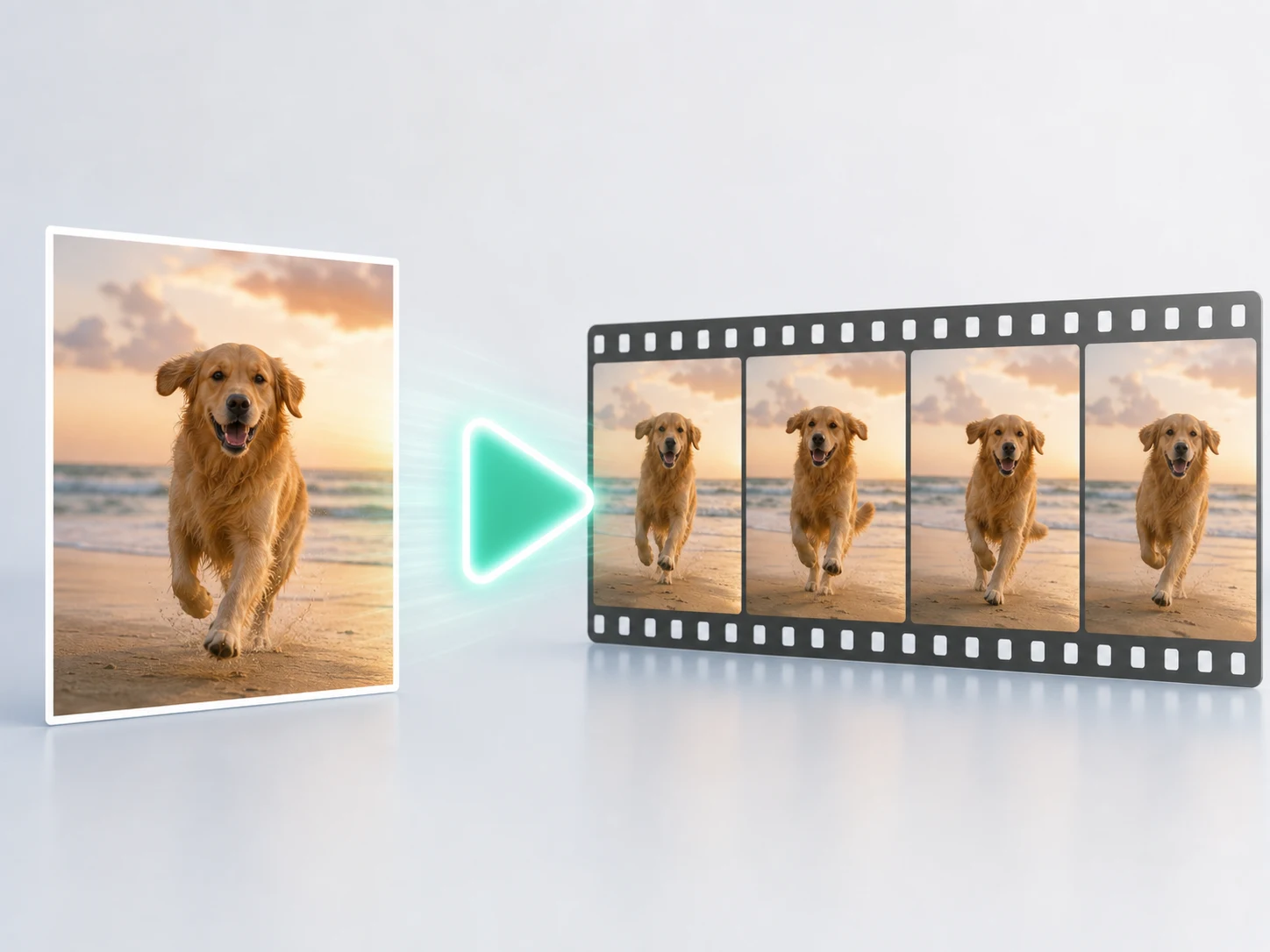
Choose Standard or Prime
Step 3

Choose Standard or Prime

Iterate economically with Standard. Switch to Prime when turnaround speed is the priority—the supported inputs, duration, and resolutions stay the same.

One Wan 3.0 Family, Several Ways to Direct

Shape longer scenes with text, images, frames, and visual references. The community clips below show the family's output range; each row explains a different way to guide the result.

Invent from text

Define subject, action, camera, light, timing, and sound without a starting image.

Control the beginning and end

Use one image for appearance or first and last frames when the transformation needs a clear destination.

Guide with references

Use supported image references to carry identity, products, environments, or visual language into the shot.

Broader upstream context

The wider Wan 3.0 family also accepts documents, public webpages, video, and audio context. Motiofy currently focuses the generator on text, images, frames, and visual references.

Wan 3.0 vs Seedance 2.5 vs Kling 3.0

Choose by timeline length, reference workflow, camera direction, sound, and iteration economics—not by a single universal quality score.

Wan 3.0
Seedance 2.5
Kling 3.0

Best for

Flexible 2–30s multimodal creation with Standard/Prime economics
Long continuity-led stories and product control
Character performance and structured cinematic direction

Current Motiofy duration

2–30 seconds
4–30 seconds
3–15 seconds

Reference workflow

Images, first/last frames, and supported references
Strong identity and product continuity
Frames and Elements; Omni extends the family

Camera character

Flexible prompt-led movement across longer clips
Continuous progression across a longer take
Structured shots and expressive cinematic movement

Sound

Native sound available
Available in supported variants
Native dialogue, ambience, and effects across the family

Iteration style

Standard for exploration; Prime when speed matters
Use when one take must carry a longer progression
Start with readable beats, then add direction

Need a different strength for the shot? Explore Seedance 2.5 or compare Kling 3.0. See how it performed in our same-image, same-prompt benchmark.

Wan 3.0 Standard vs Prime

Both variants share the same creative inputs and 30-second timeline. Choose Standard for economical exploration or Prime for faster generation.

Standard
Prime

Best for

Lower-cost exploration and routine production
Faster previews and deadline-driven iteration

Turnaround

Regular processing
High-speed processing

Duration

2–30 seconds
2–30 seconds

Current resolutions

480p, 720p, or 1080p

Current Motiofy inputs

Text, image, first/last frames, references

Native sound

Available
Available

Credit position

Lower cost per second
Higher cost for speed

Wan 3.0 FAQ

Practical answers about Standard, Prime, current Motiofy inputs, native sound, cost, comparisons, and wider family limits.

Build the Next 30 Seconds

Bring a prompt, image, pair of frames, or references. Start with Standard, switch to Prime when speed matters, and generate the next Wan 3.0 take on Motiofy.